 Natural skincare lifestyle
Seedream 5.0 Lite is live — one free image for new accounts
Seedream AI Creative Workspace
Turn Seedream AI briefs into campaign-ready visuals.
Plan product imagery, campaign concepts, and social content with prompts, reference images, and a focused Seedream workflow.
- Prompt + reference workflows
- English & Chinese
- Independent product
ModelSeedream 5.0 LiteText-to-Image
2 credits / image
0 / 2,000
Include subject, setting, light, and mood
Reference imagesUp to 4 · JPG, PNG or WebP · 10 MB each
Create an account and get one free generation.
Your result
 Example result · generated with Seedream
Your image will appear here
Write a prompt, optionally add reference images, then generate one 2K image with Seedream 5.0 Lite.
Made with DreamSeed Pro
One workspace. Every visual direction.
Move from product campaigns to portraits, architecture, food, travel, 3D, and illustration without breaking your creative flow.
- Product
- People & fashion
- Architecture
- Food & drink
- Travel
- 3D
- Illustration
 Tactile product detailNatural skincare lifestyle
 Warm botanical moodPremium product hero
 Skincare reference
 Social campaign story
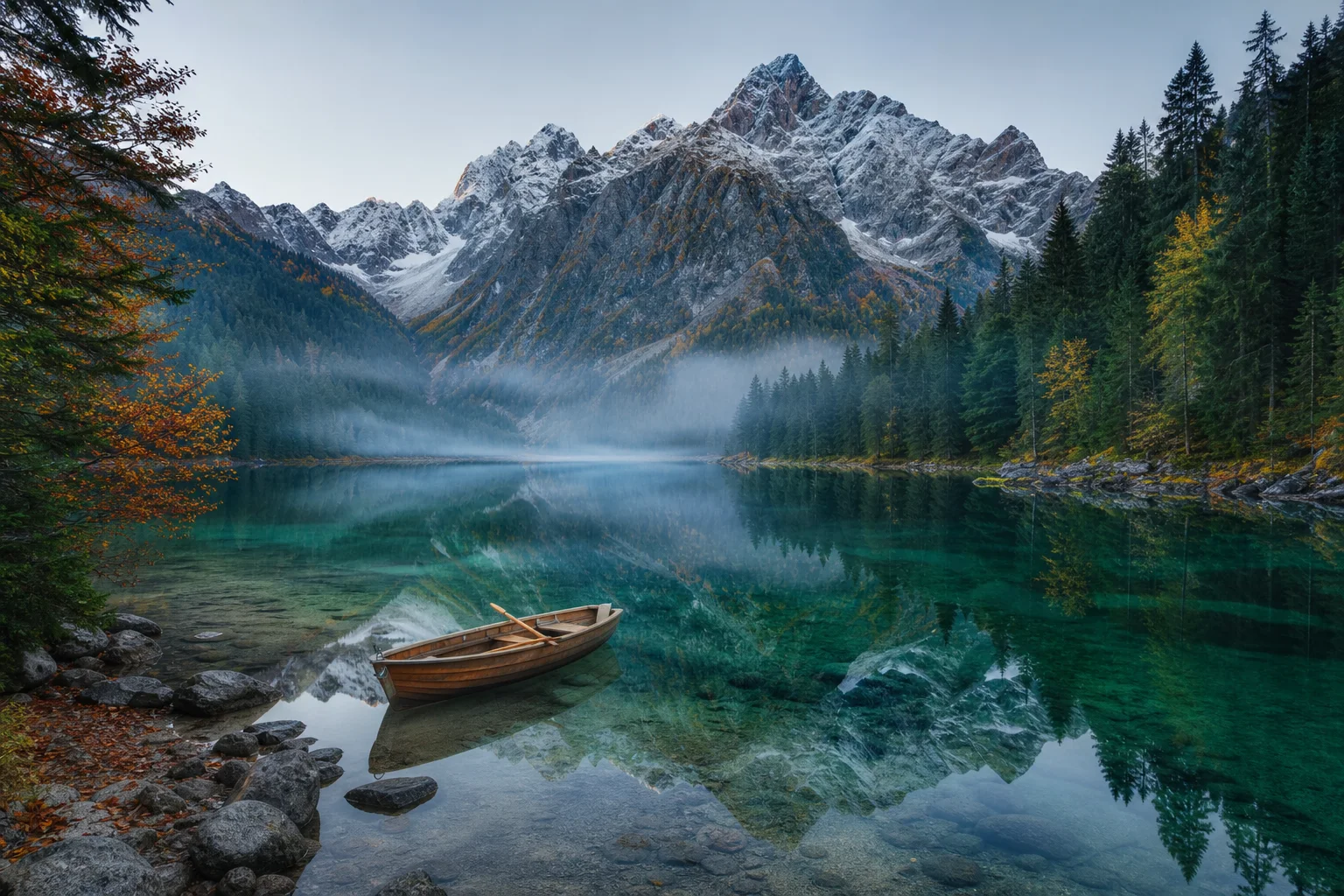 Alpine escape
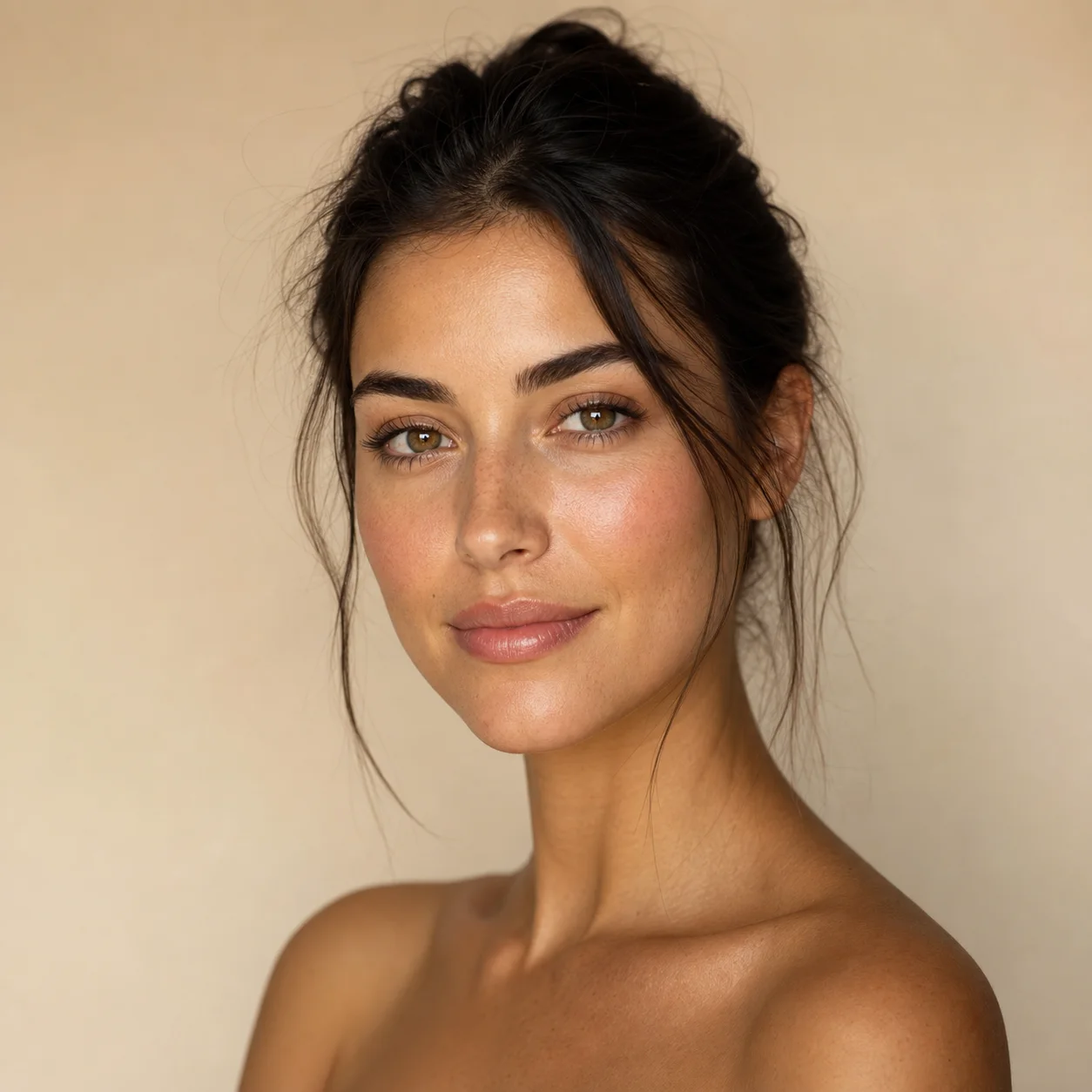 Editorial beauty portrait
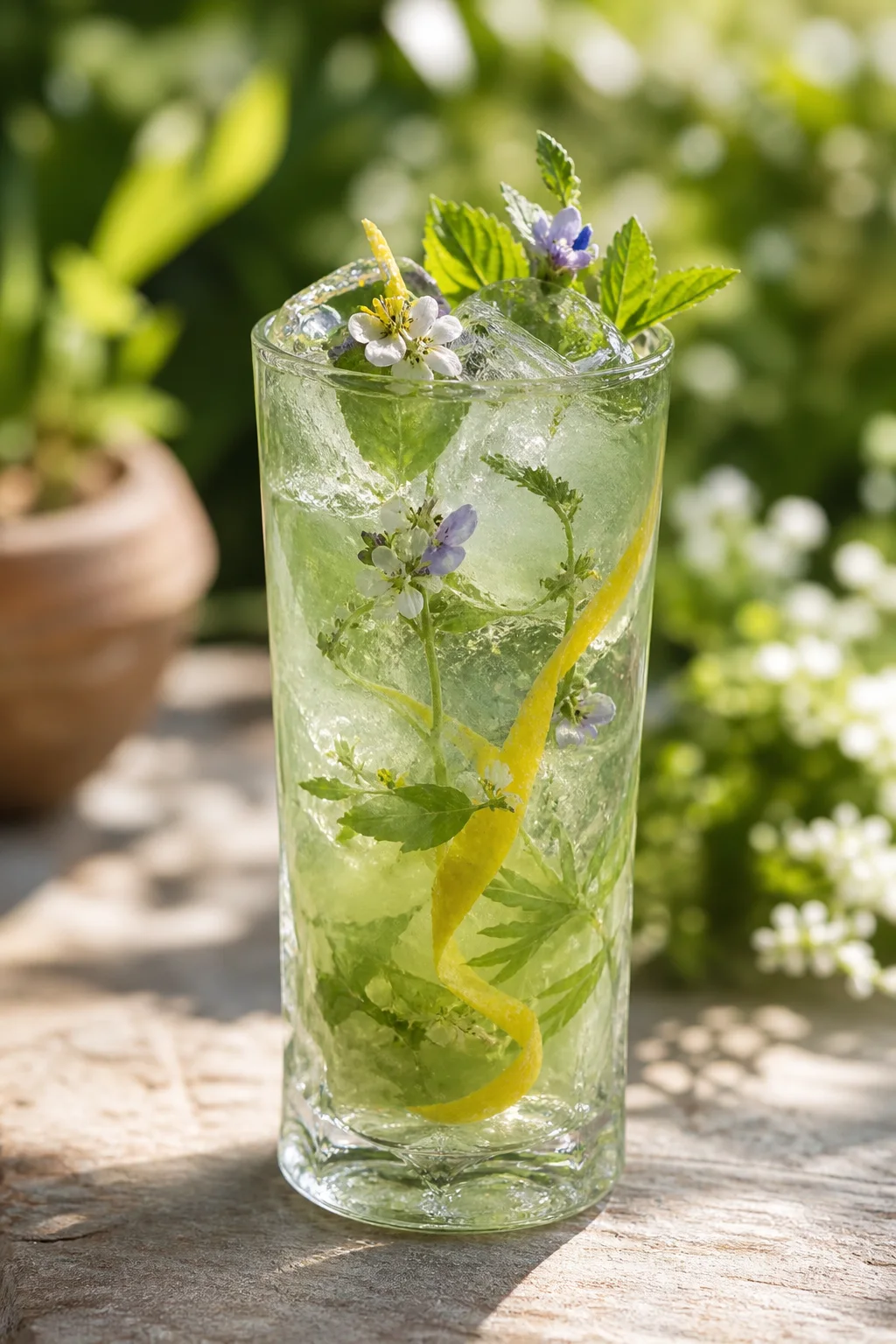 Botanical refreshment
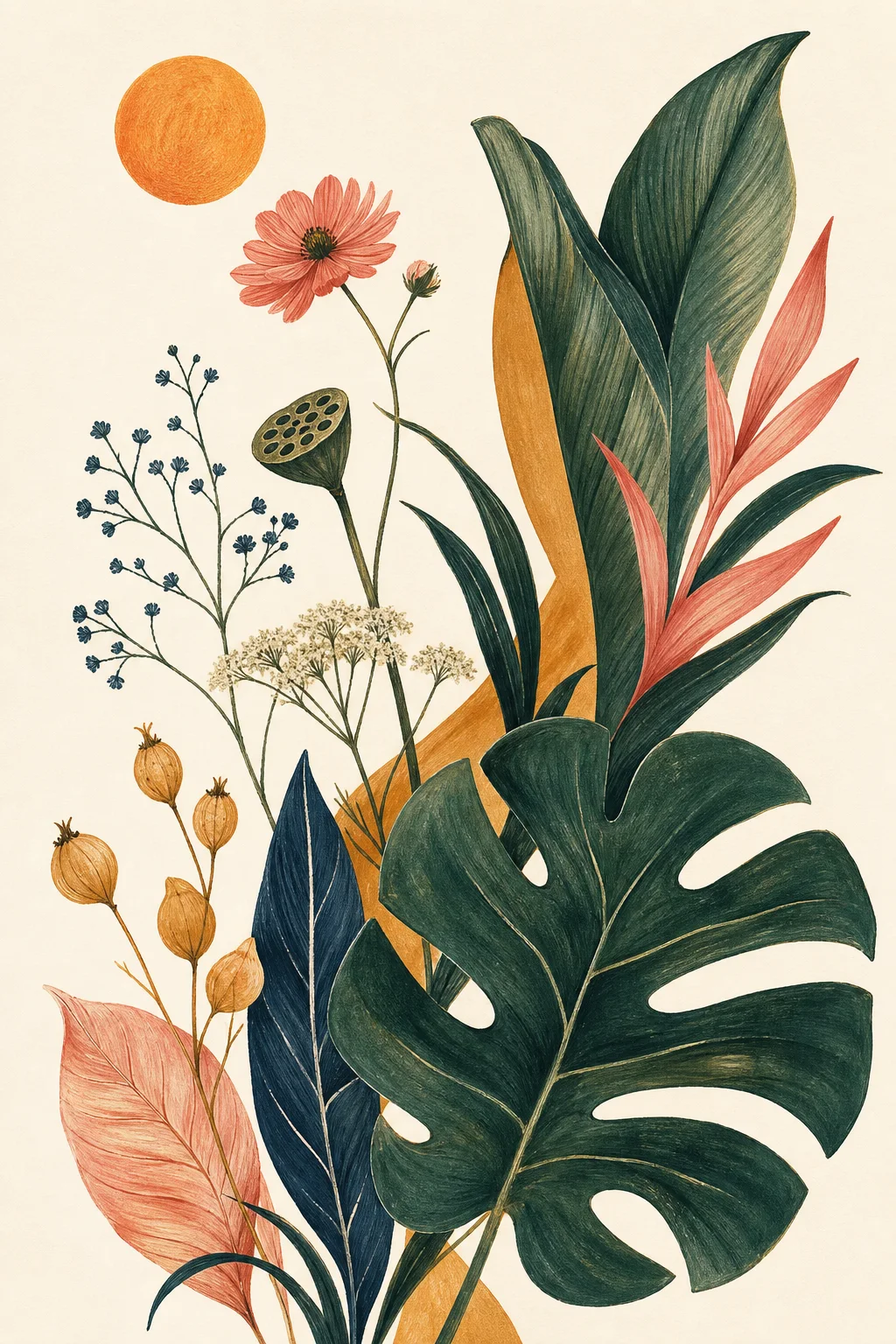 Botanical paper study
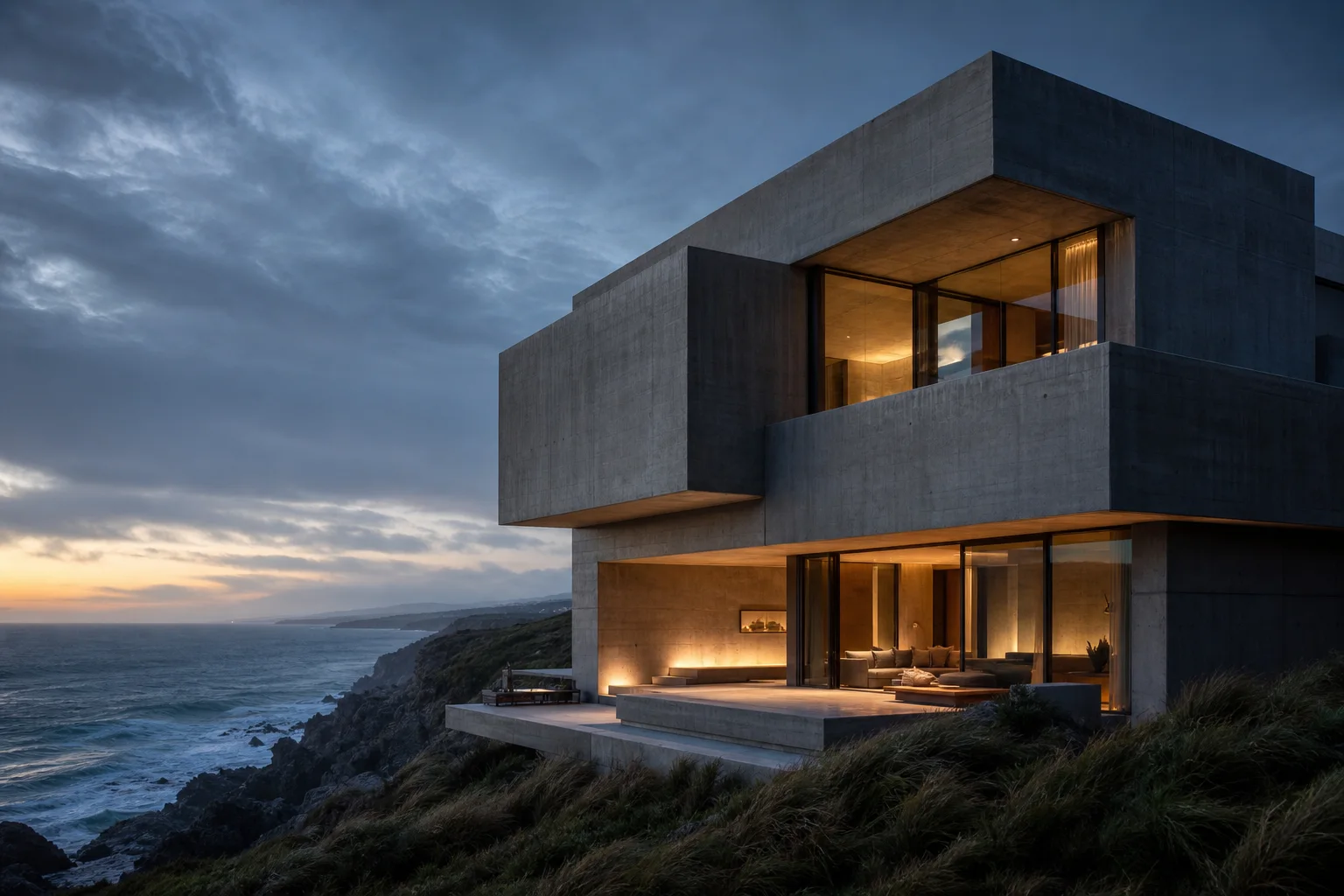 Coastal brutalism
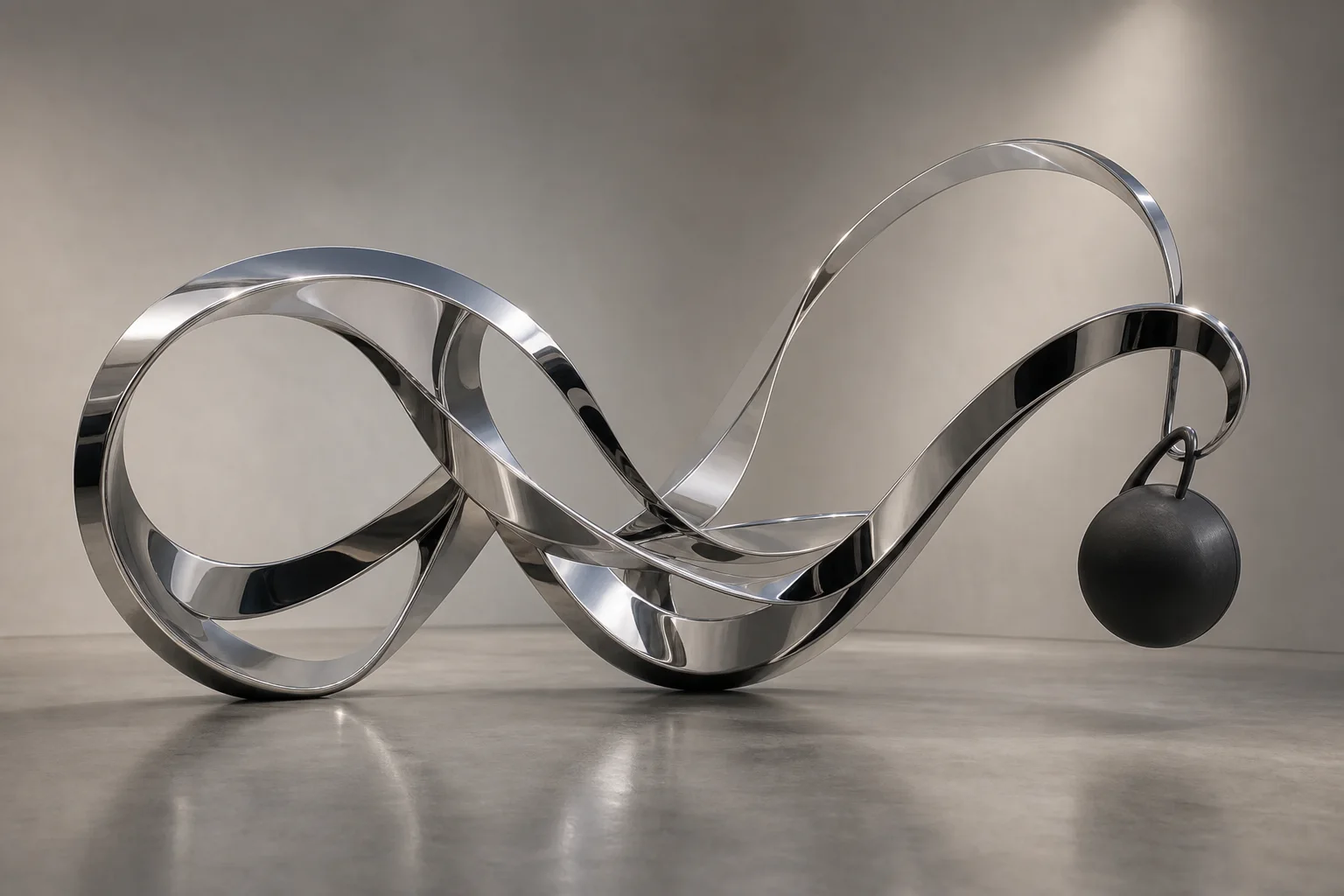 Liquid chrome form
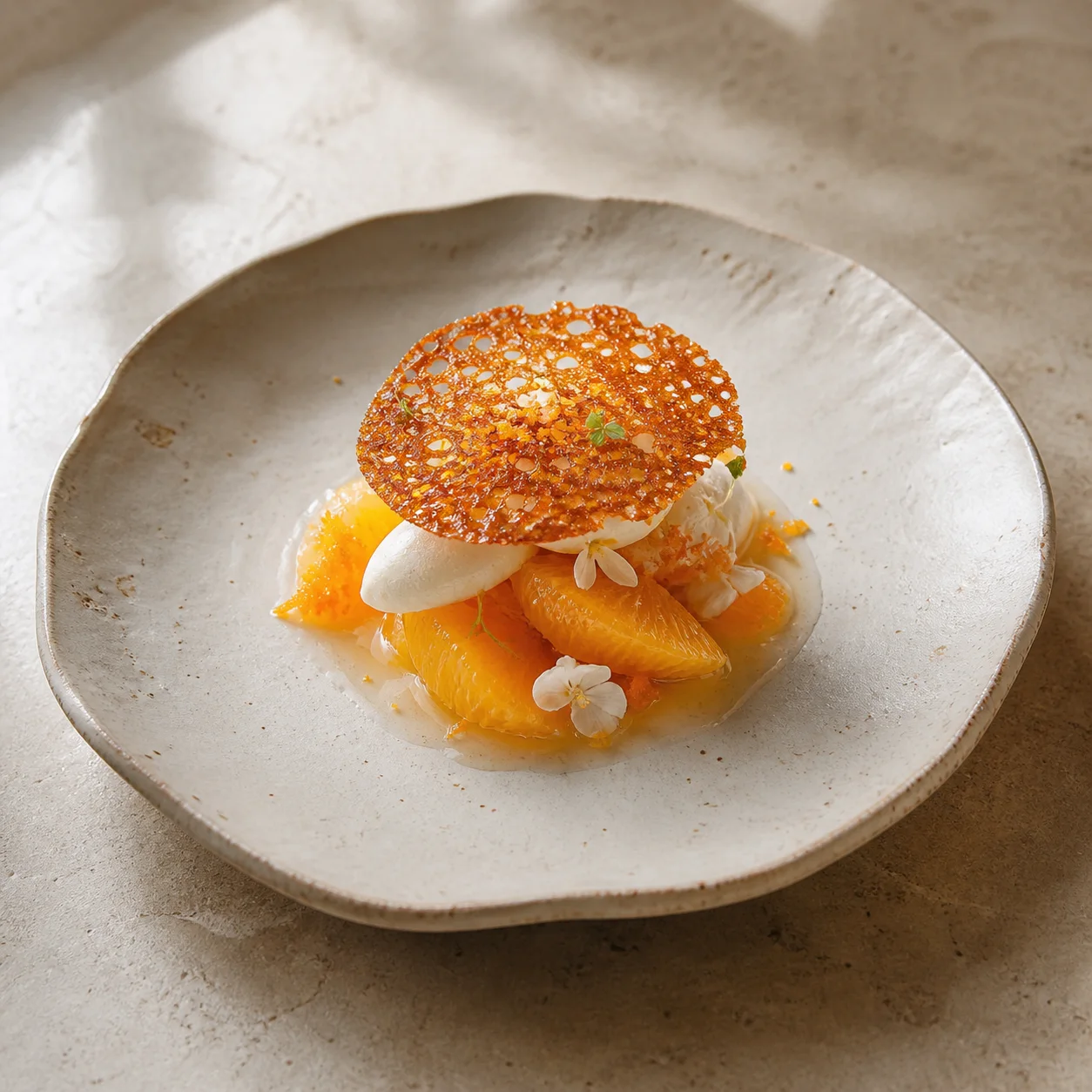 Citrus still life
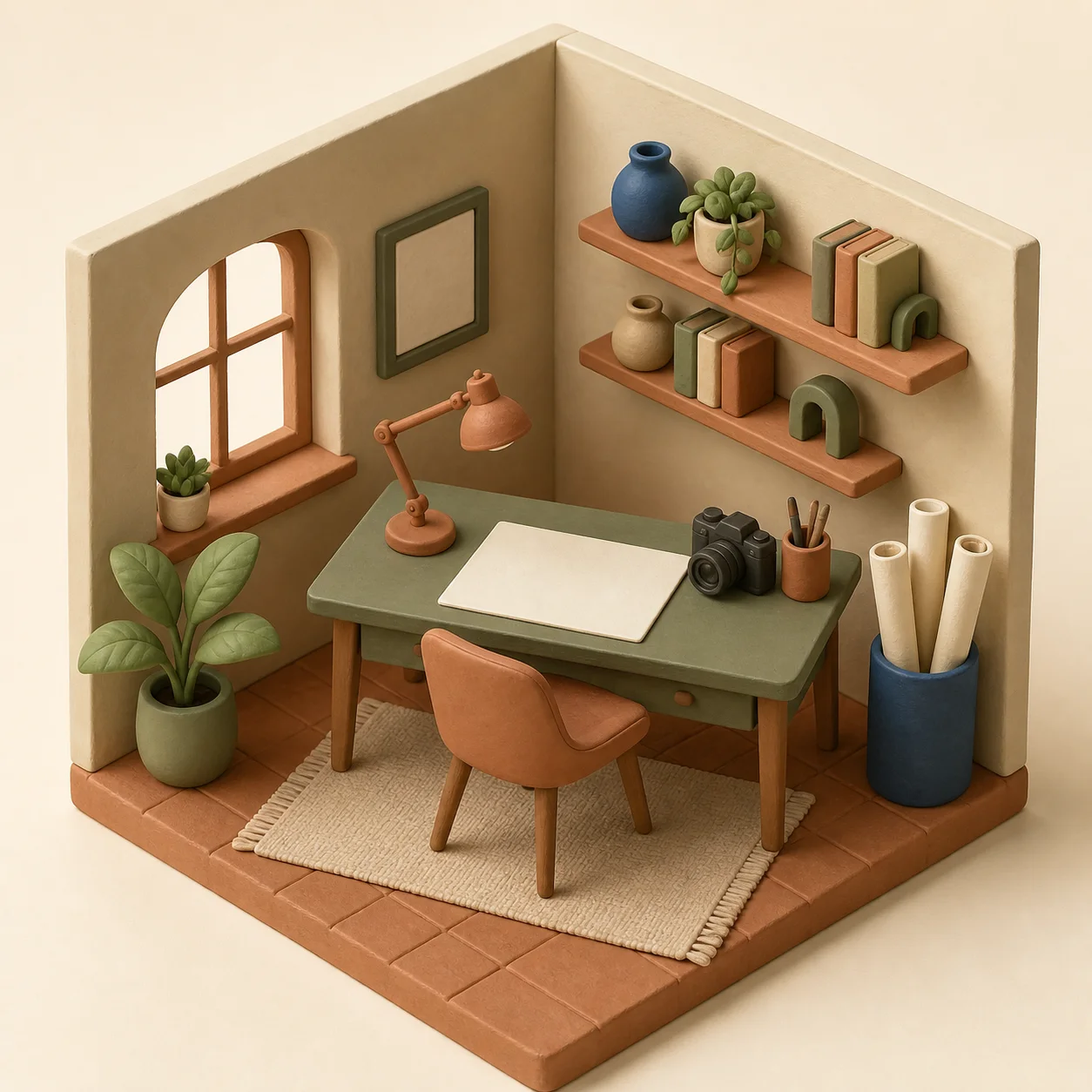 Soft clay world
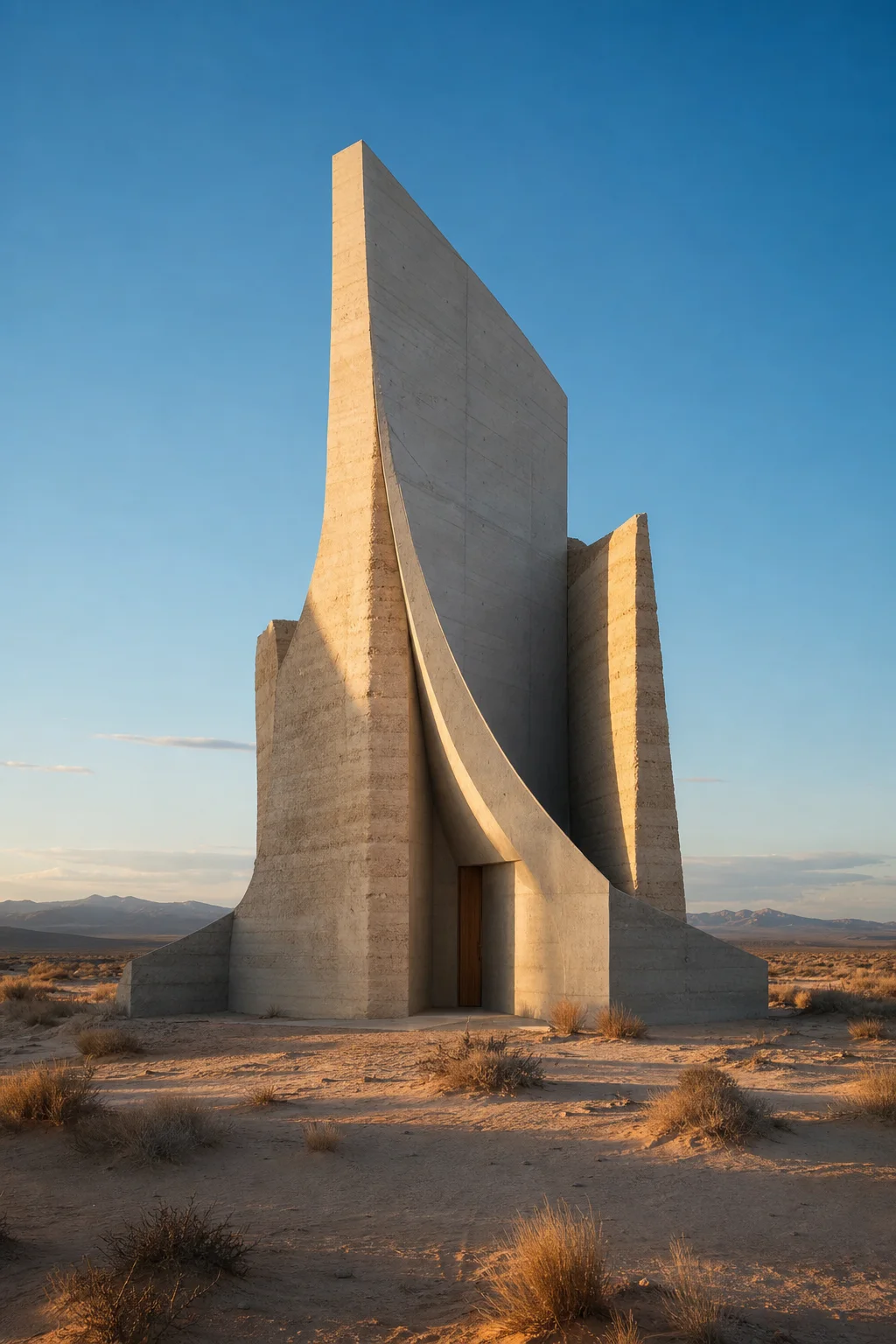 Desert pavilion
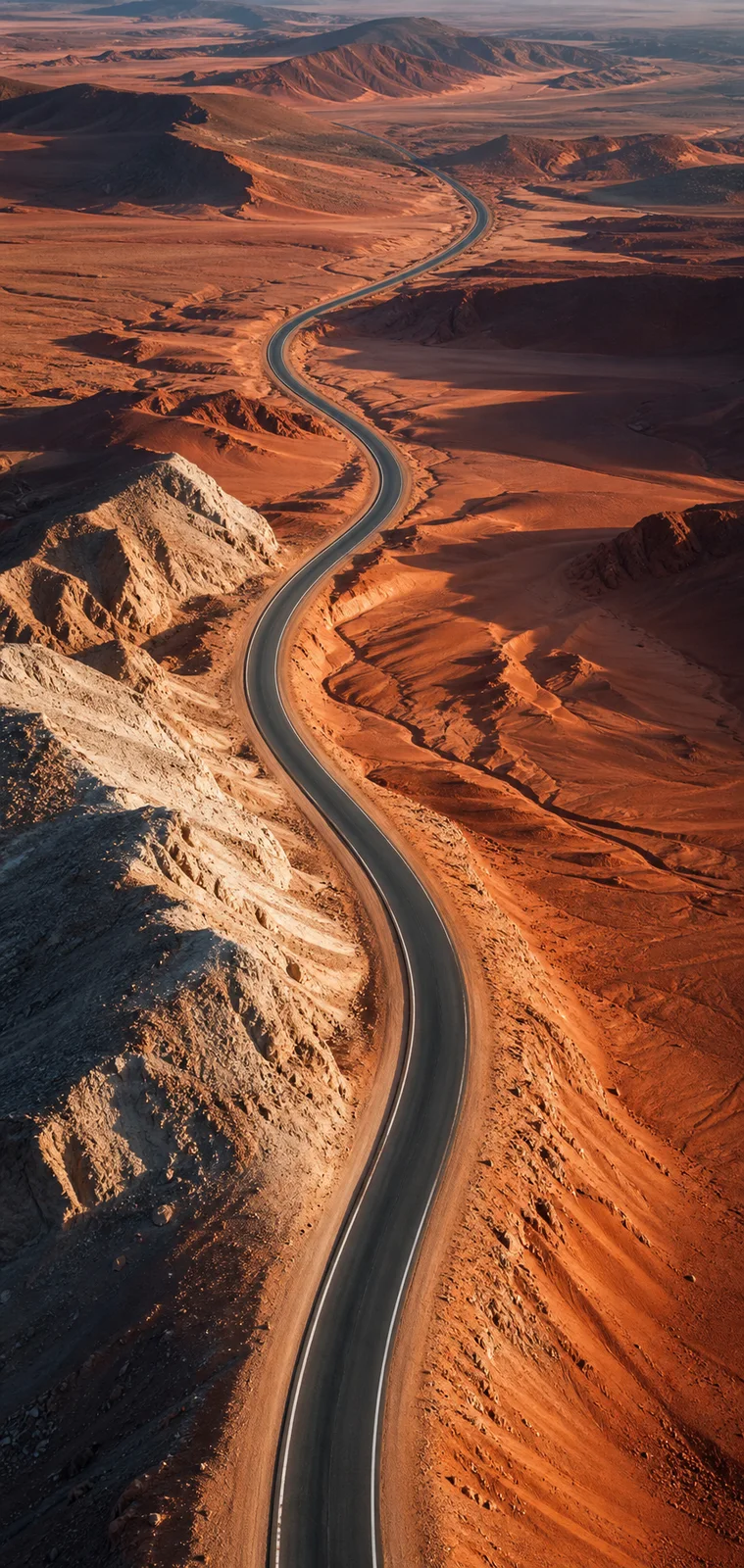 Open desert road
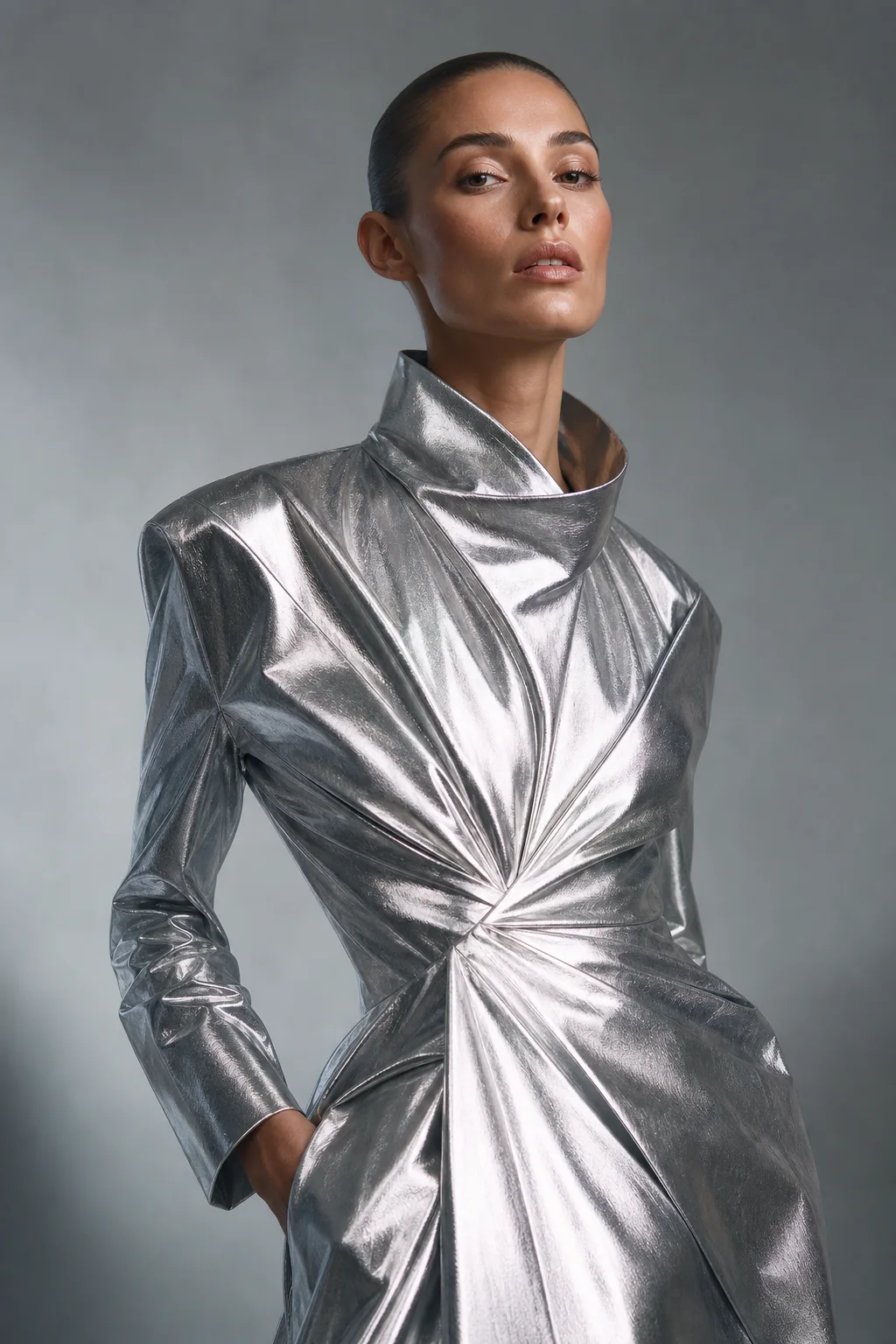 Reflective fashion study
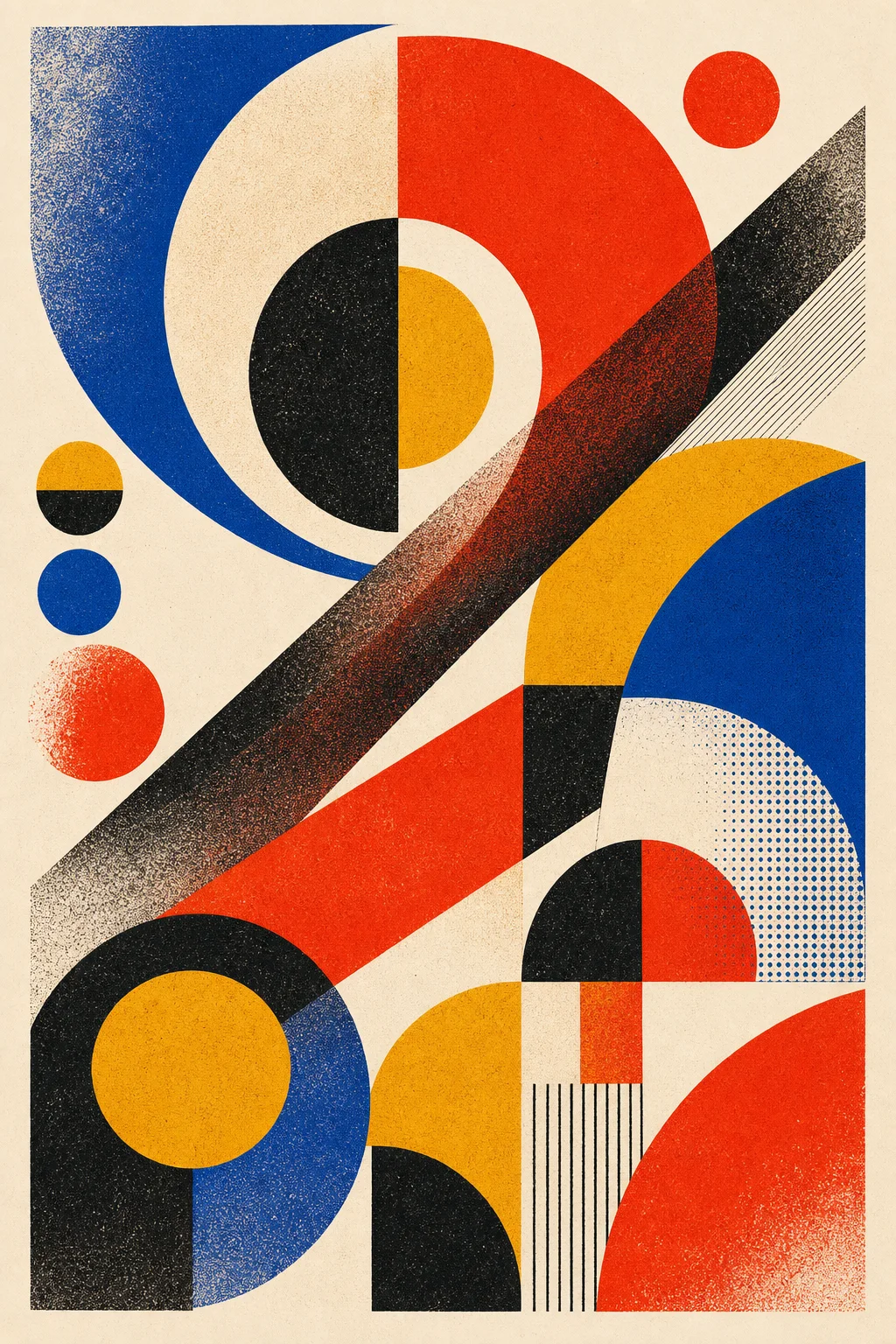 Geometric poster
 Glass bloom
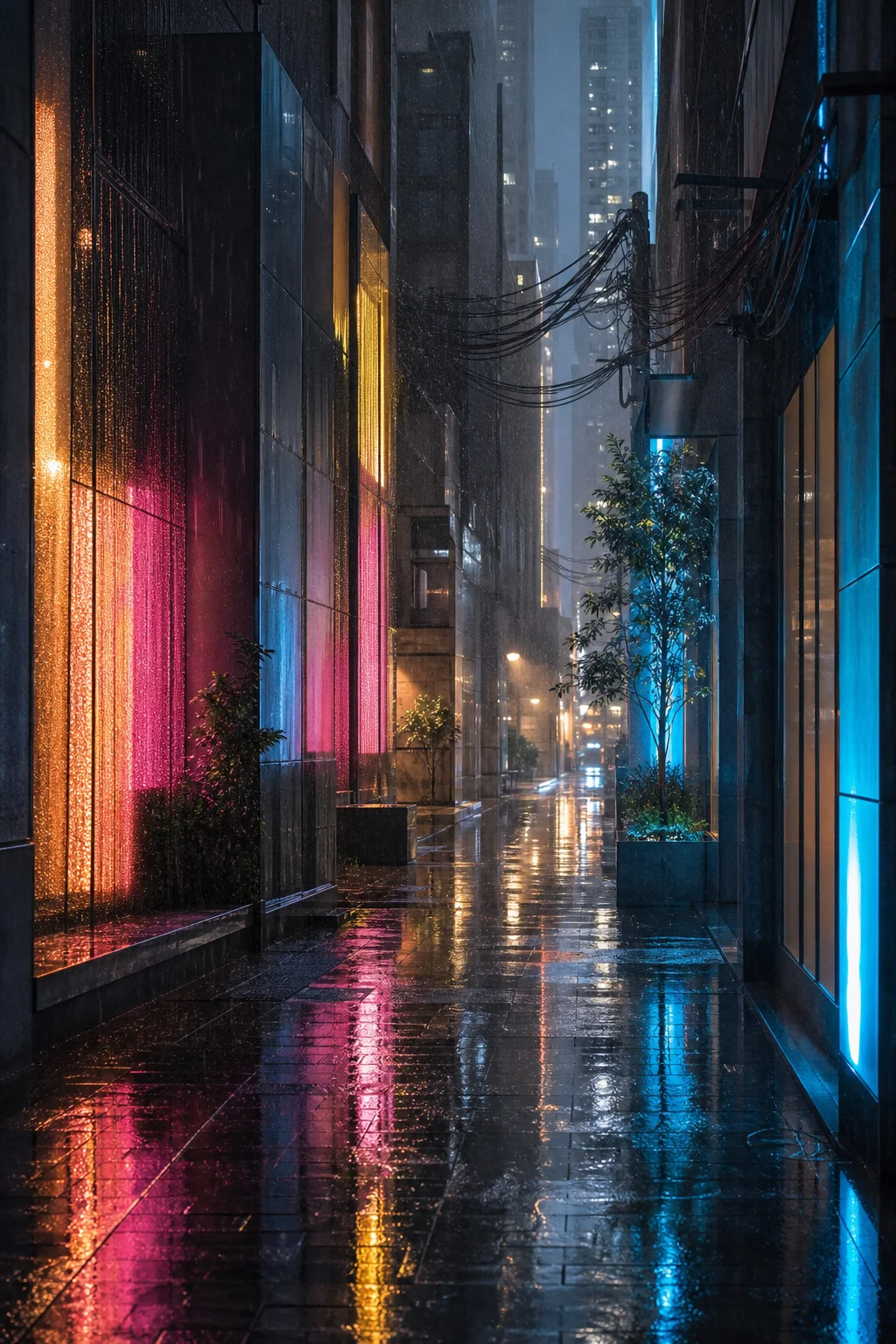 Neon after dark
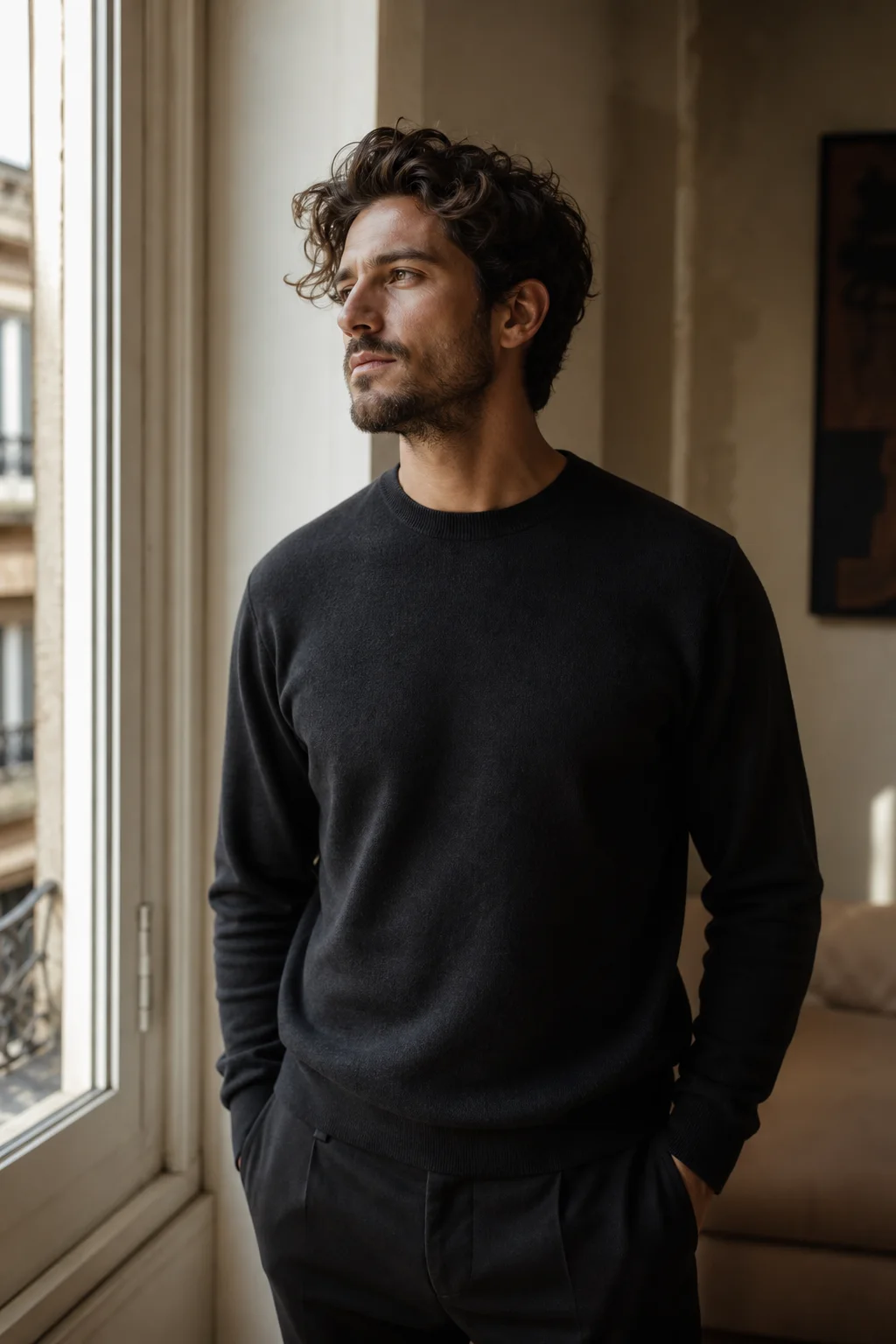 Window-light portrait
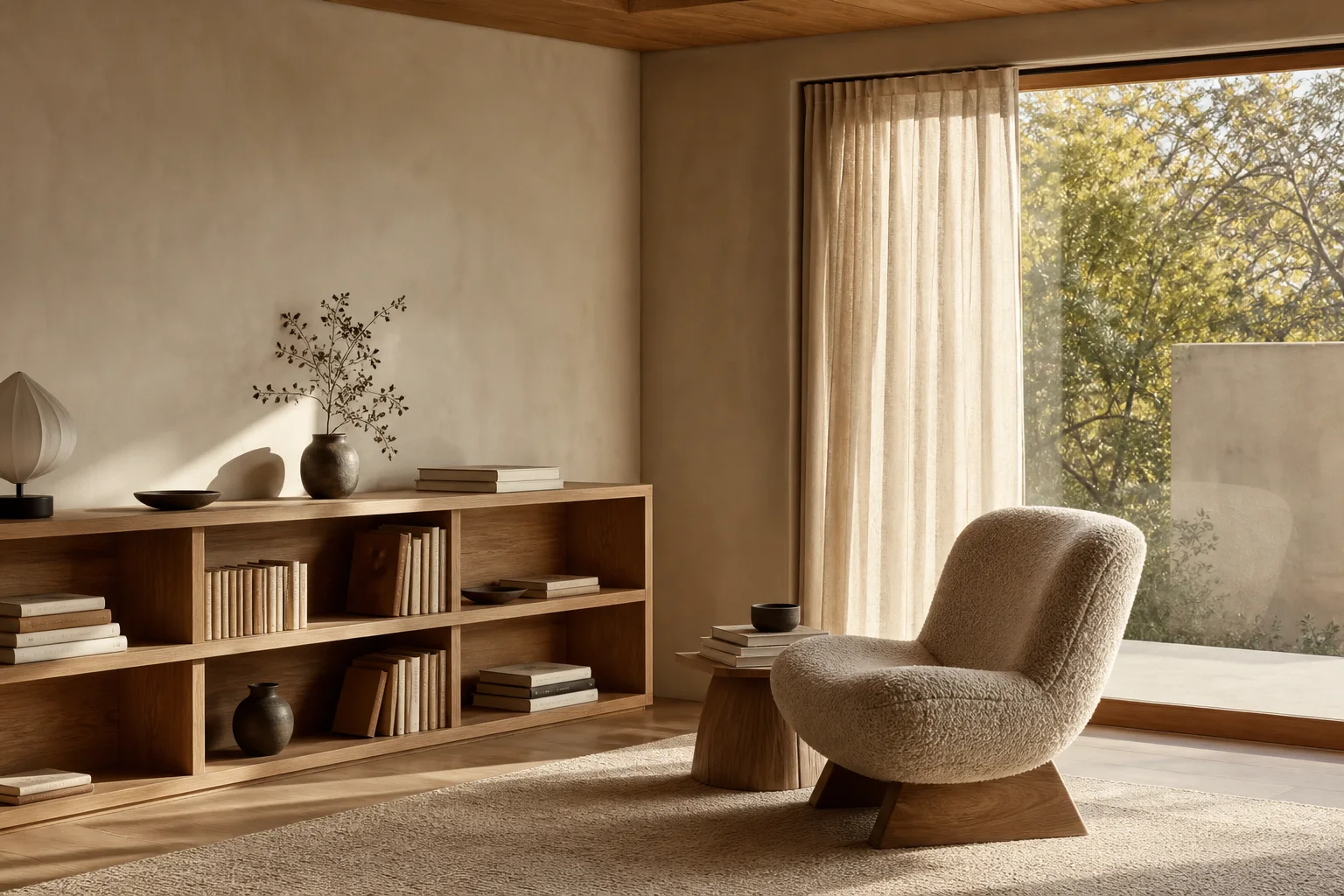 Modern reading room
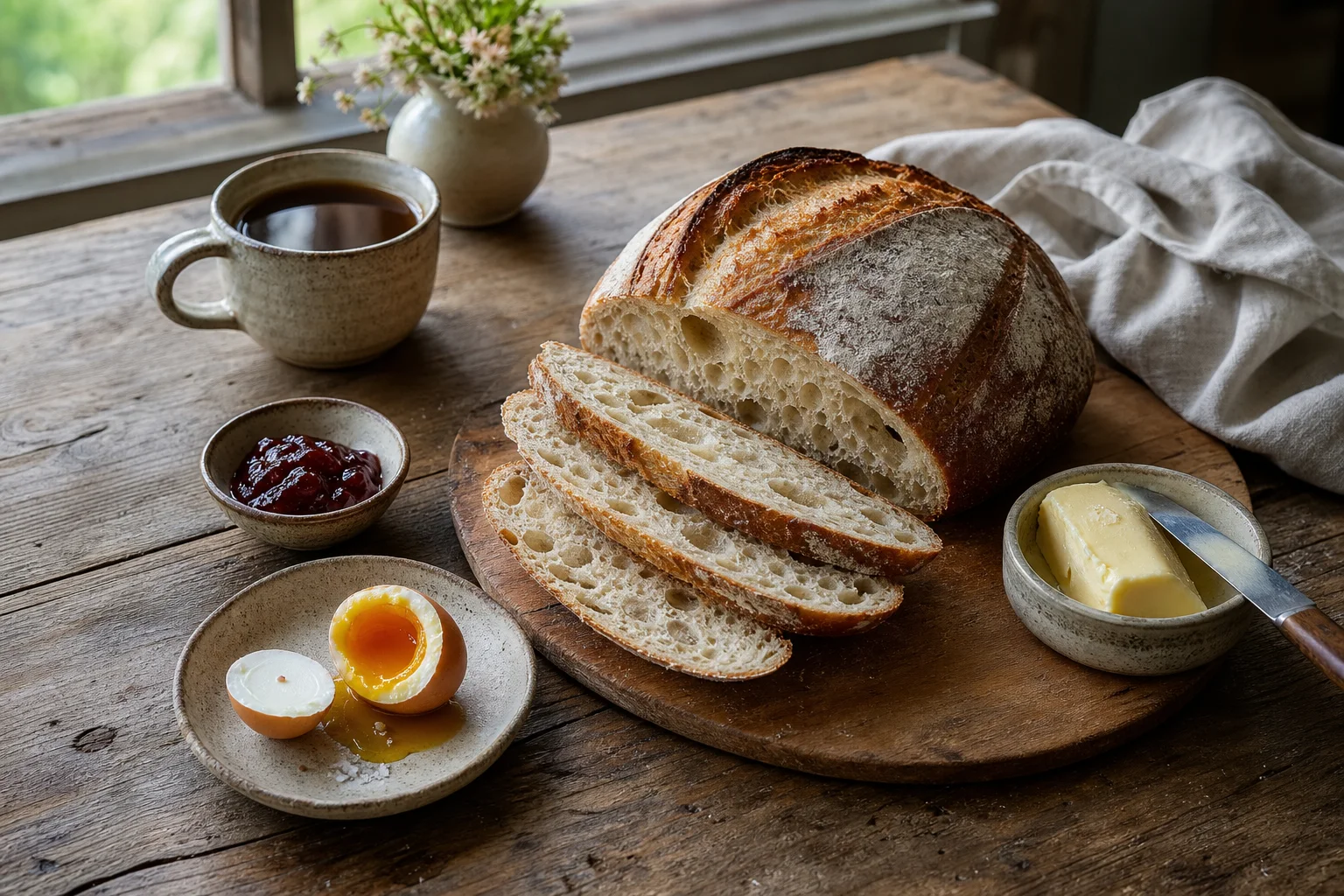 Slow breakfast
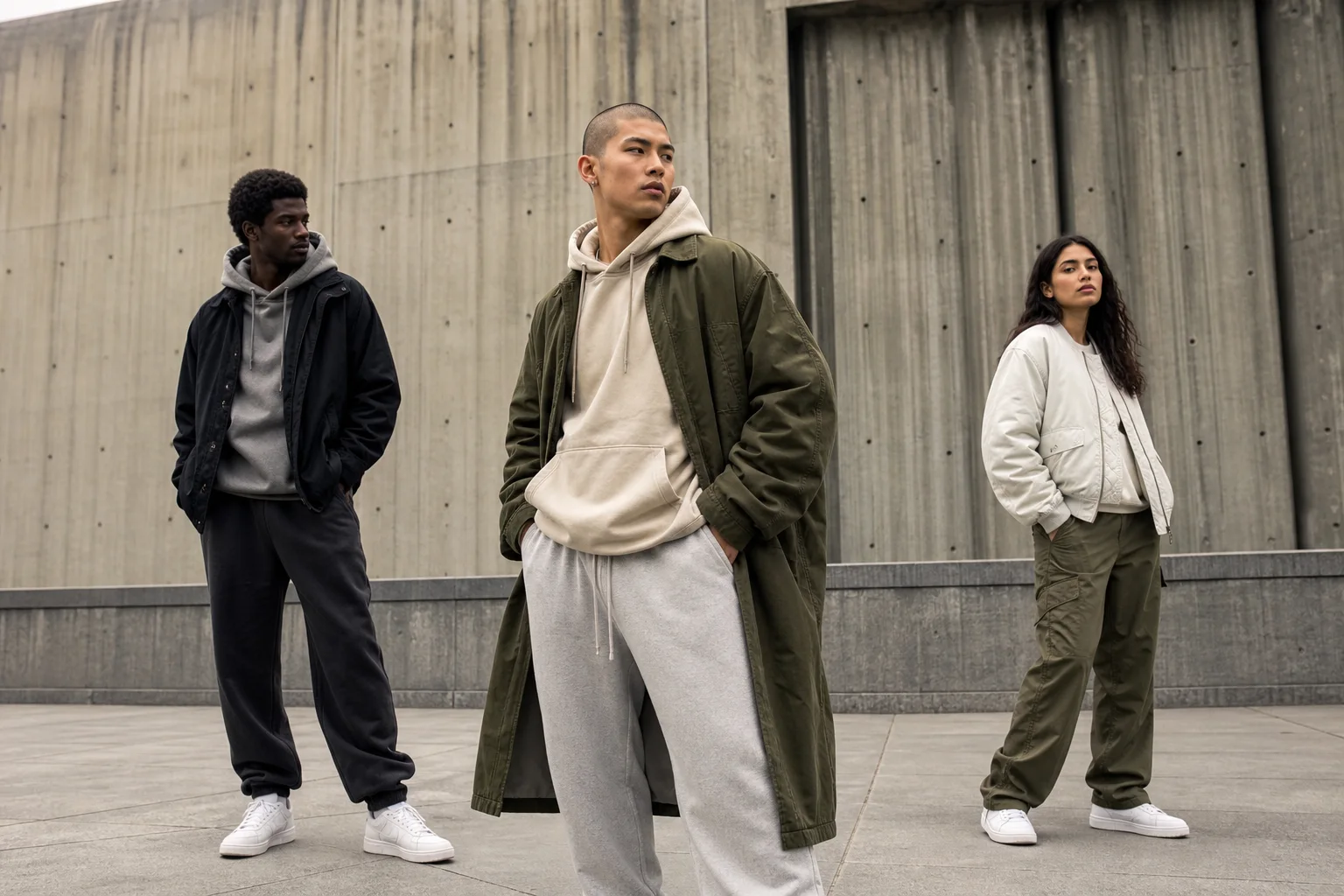 Urban streetwear campaign
How it works
A shorter path from idea to usable creative.
Set the direction once, then let every output inherit the same creative logic.
- 01
Define the result
Describe the subject, campaign intent, mood, and output format you actually need.
- 02
Ground it with references
Add product, subject, or style images so the creative direction has clear anchors.
- 03
Generate, refine, reuse
Review coordinated directions, refine the strongest route, and reuse the brief across formats.
Questions, answered
What to know before you generate.
DreamSeed Pro is an independent image-generation product powered by Seedream models through KIE.
DreamSeed Pro is an independent image-generation workspace for creators and teams using Seedream-powered workflows.
No. DreamSeed Pro is an independent product and is not affiliated with ByteDance or the Seedream team.
Yes. Create an account, enter a prompt, optionally add up to four reference images, and generate one 2K image for 2 credits.
Use text prompts alone or combine them with product, subject, and style references to create product visuals, campaign concepts, and social-ready formats.
New accounts receive 2 credits once, enough for one image. Paid monthly plans start at $7.99, and failed generations automatically restore their 2-credit cost.
One free generation
Create your first Seedream image.
Open a free account, receive 2 credits once, and turn a prompt or reference image into a 2K visual.
Generate an image