Text to ImageSign In

AI image workspace

Text to Image Generator

Describe the subject, setting, light, and mood, then generate one focused image without a reference upload.
  • Prompt and reference workflows
  • Real account history
  • No fake provider claims
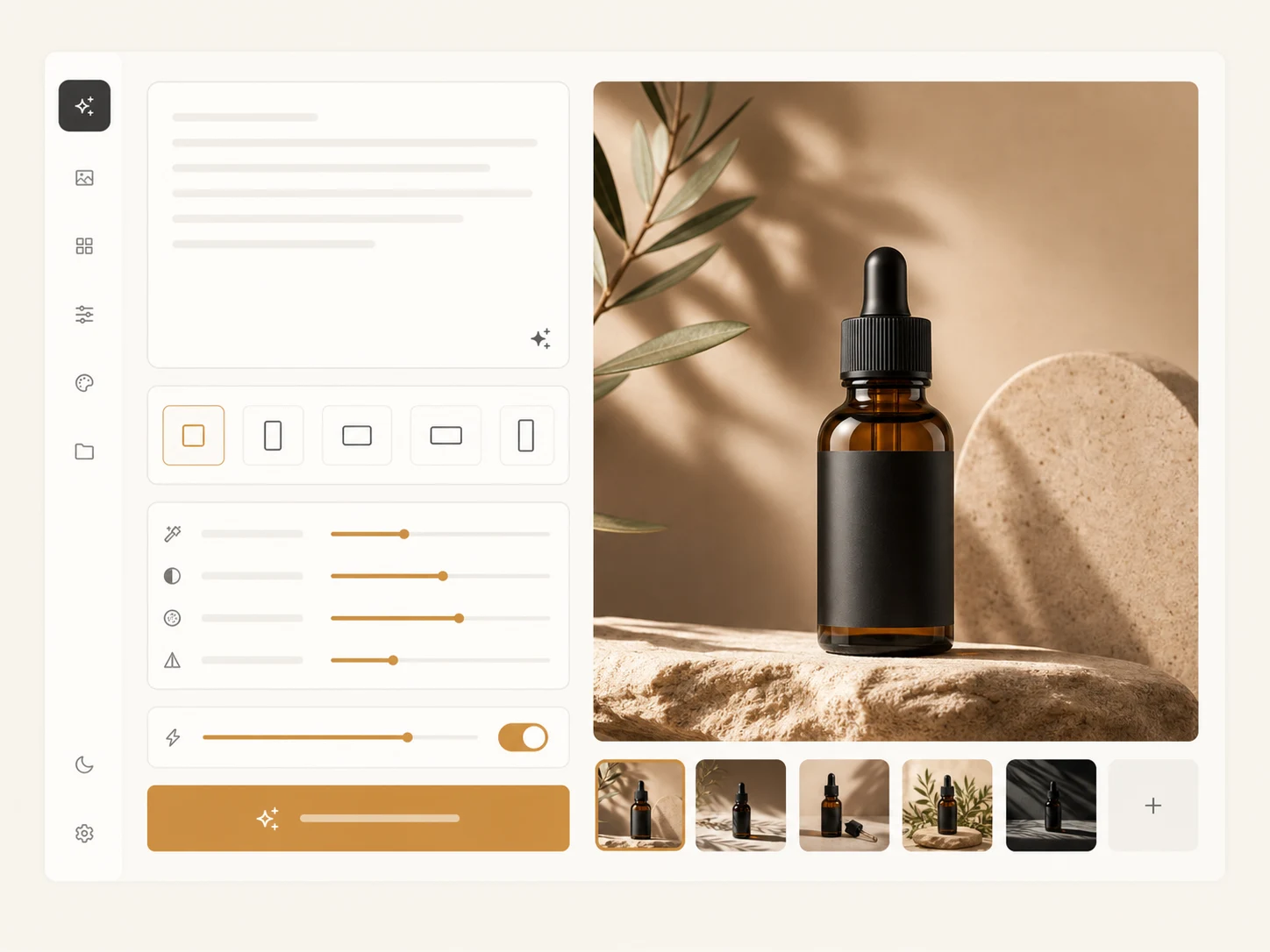
Reserved prompt-first text to image workspace preview
ModelSeedream 5.0 LiteText-to-Image
2 credits / image
0 / 2,000
Include subject, setting, light, and mood
Open My Creations

Create an account and get one free generation.

Your result

Your image will appear here

Write a prompt, optionally add reference images, then generate one 2K image with Seedream 5.0 Lite.

Features

Prompt-first image generation

A focused interface for turning written direction into one image.

No upload required

The text route starts in prompt-only mode and keeps reference controls out of the way.

Useful prompt structure

Describe the visual subject, environment, lighting, mood, and intended framing.

Supported ratios only

Choose from ratios already accepted by the live image generation backend.

Workflow

Create an image from words

Keep the first pass concise and add detail only where it affects the result.
  1. 01

    Describe the subject

    State what must appear and what the image is for.
  2. 02

    Set composition

    Choose the ratio and clarify camera, layout, or negative space.
  3. 03

    Review the output

    Open the full-size result and keep the task in your creation history.

Inside the workspace

A clean text-to-image editor

Prompt-only mode removes reference upload requirements while preserving real generation, credits, and status updates.

FAQ

Text-to-image questions

Straight answers about the prompt-only workflow.

Build your next image in one focused workspace

Start with the workflow that matches your source material, then review every completed image in My Creations.