AI ImageSign In

Let's Create

Let's Create AI Images

Turn a clear visual brief into a production-ready image, with optional references for stronger creative direction.
  • Prompt and reference workflows
  • Real account history
  • No fake provider claims
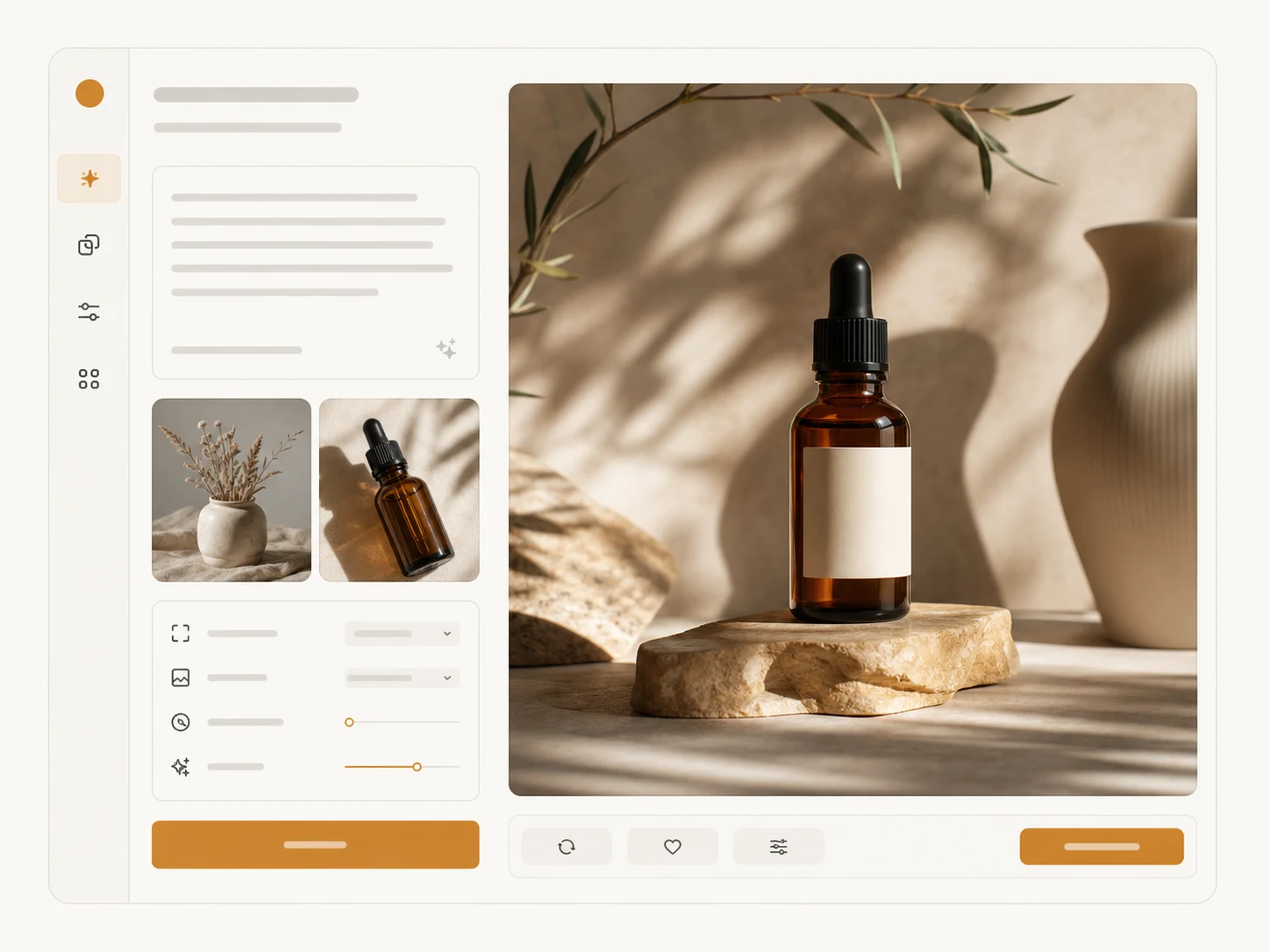
Reserved AI image creation workspace preview
ModelSeedream 5.0 LiteText-to-Image
2 credits / image
0 / 2,000
Include subject, setting, light, and mood
Reference imagesUp to 4 · JPG, PNG or WebP · 10 MB each
Open My Creations

Create an account and get one free generation.
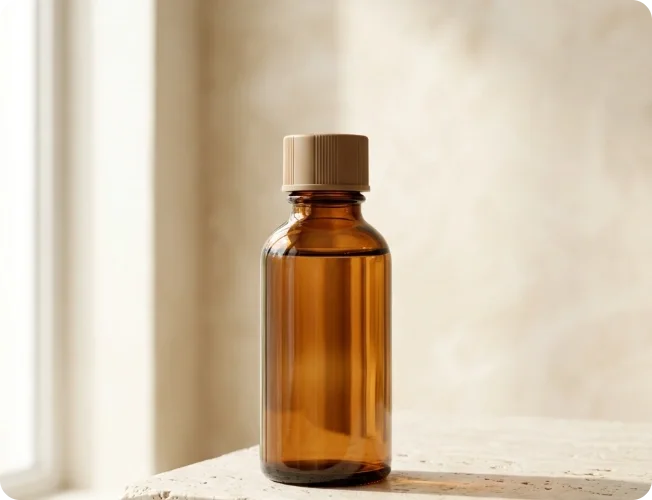
Your result

Your image will appear here

Write a prompt, optionally add reference images, then generate one 2K image with Seedream 5.0 Lite.

Features

A practical AI image workspace

Keep generation inputs, output review, and account history connected.

Flexible starting point

Begin with text alone or add references when the brief needs tighter visual direction.

Real generation path

Submissions use the existing image task API, credit rules, and configured provider.

Visible task status

Follow queued, processing, successful, and failed tasks without fabricated results.

Workflow

From brief to finished image

Use a short, repeatable workflow for each visual request.
  1. 01

    Write the brief

    Define subject, setting, light, mood, and the intended use.
  2. 02

    Add direction

    Choose an aspect ratio and attach references only when they help.
  3. 03

    Generate and review

    Create the image, inspect the result, and revisit it from your history.

Inside the workspace

One place for text and reference creation

The shared editor keeps the actual supported generation controls together instead of presenting disconnected demos.

FAQ

AI image generator questions

What the current workflow supports and where its boundaries are.

Build your next image in one focused workspace

Start with the workflow that matches your source material, then review every completed image in My Creations.