Image to ImageSign In

AI image workspace

Image to Image AI Editor

Upload at least one reference, describe the change you need, and guide a new image from the existing visual context.
  • Prompt and reference workflows
  • Real account history
  • No fake provider claims
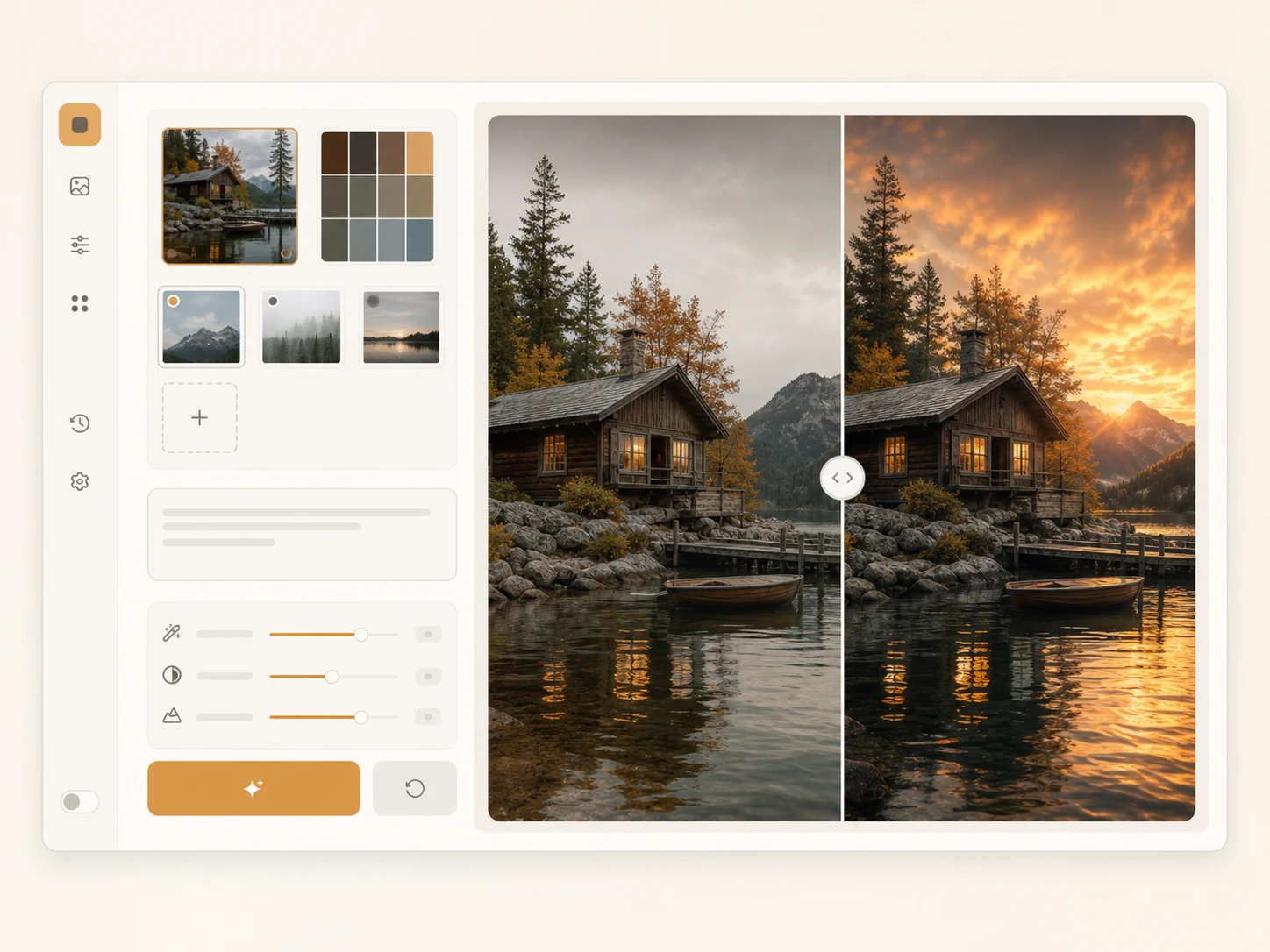
Reserved reference-led image editing workspace preview
ModelSeedream 5.0 LiteImage Edit
2 credits / image
0 / 2,000
Include subject, setting, light, and mood
Reference imagesUp to 4 · JPG, PNG or WebP · 10 MB each
Open My Creations

Create an account and get one free generation.
Your result

Your image will appear here

Write a prompt, optionally add reference images, then generate one 2K image with Seedream 5.0 Lite.

Features

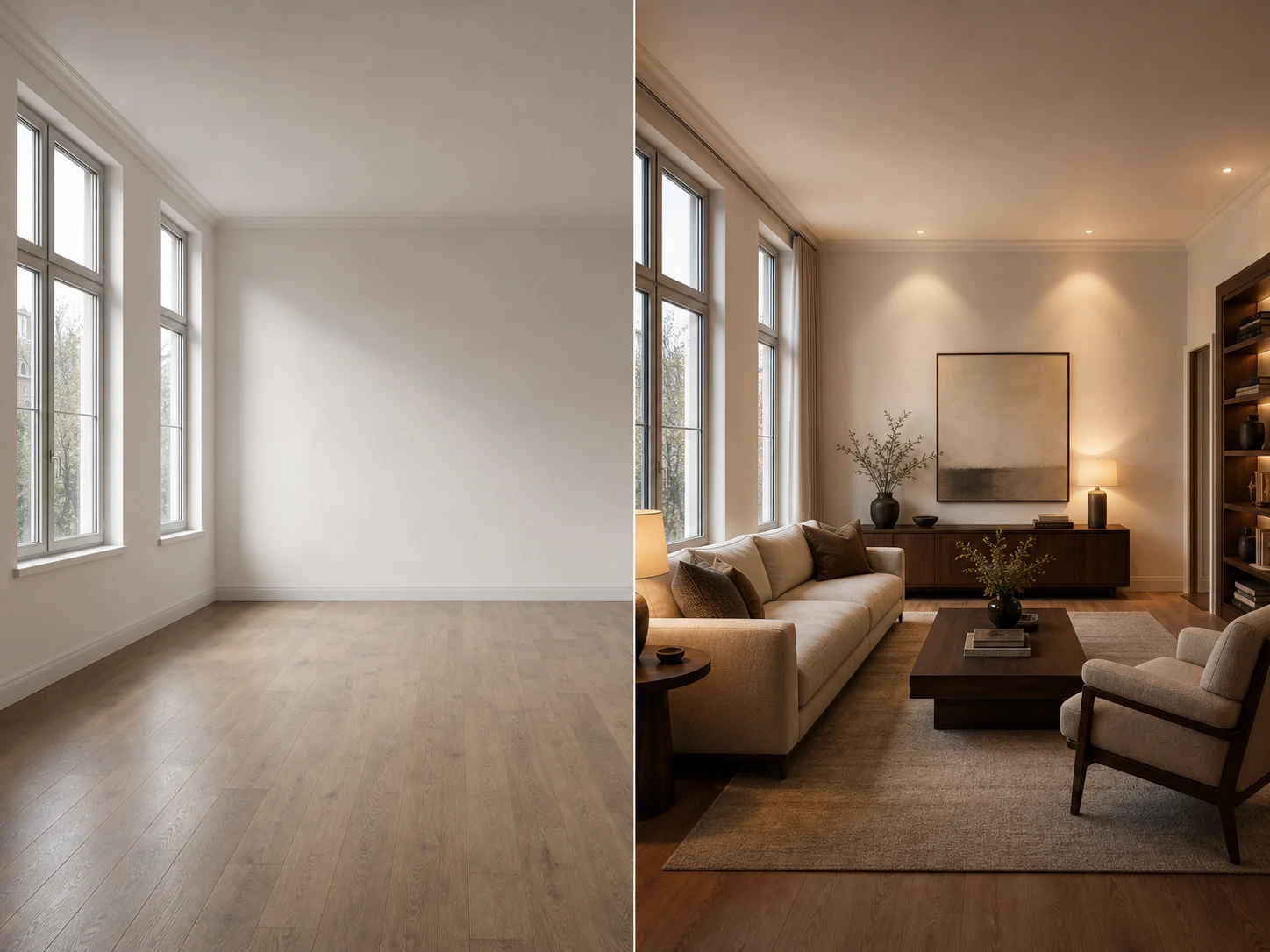
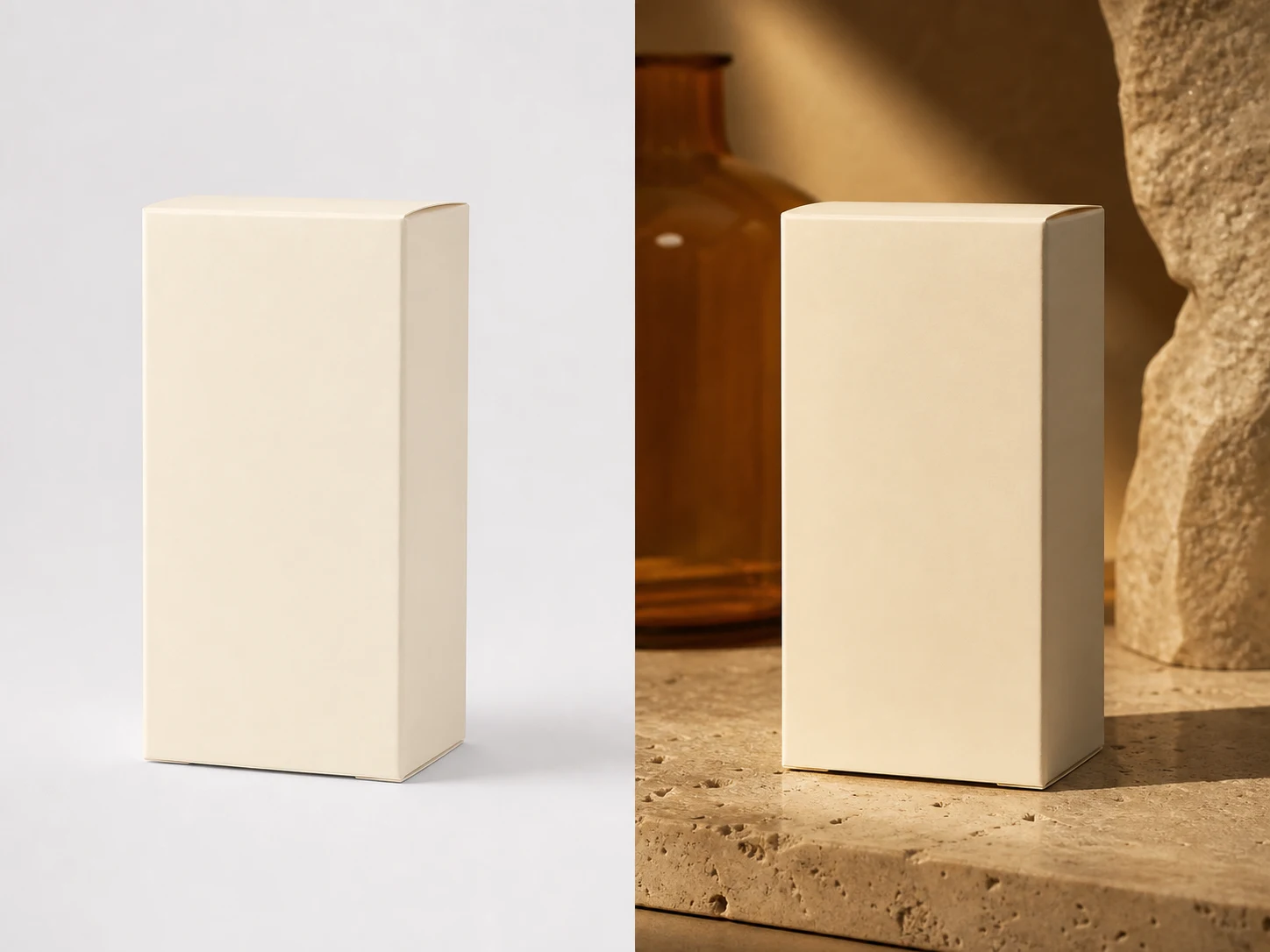
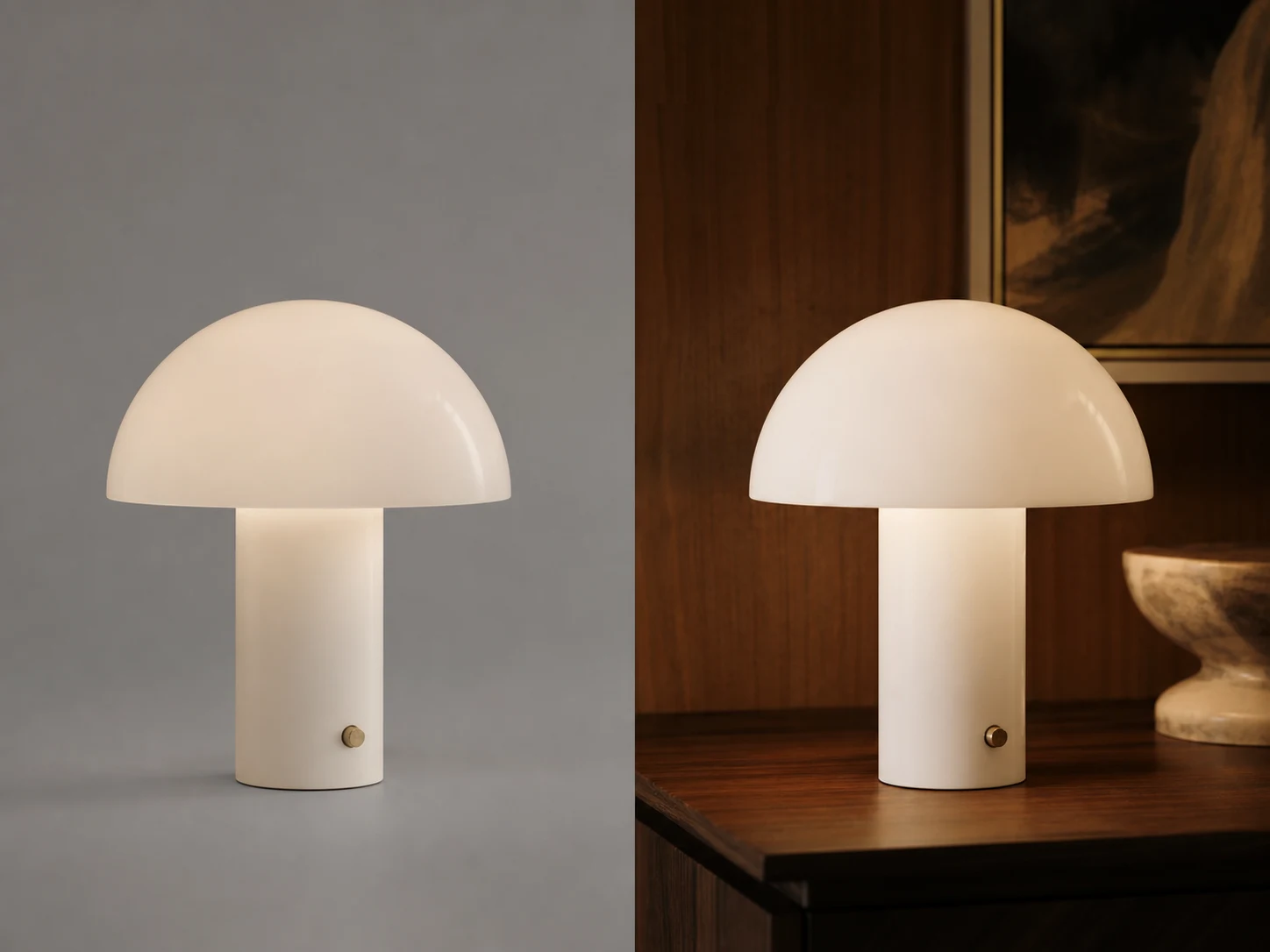
Reference-led image creation

Start from real visual context, then describe the change precisely.

Reference required

Image-to-image mode requires at least one uploaded reference before submission.

Up to four inputs

Combine a small set of product, subject, composition, or mood references.

Prompted transformation

Use the prompt to explain what should change and what should remain recognizable.

Workflow

Guide a new image from a reference

Separate source material from edit instructions for a clearer request.
  1. 01

    Upload a reference

    Choose at least one JPG, PNG, or WebP that provides useful visual context.
  2. 02

    Describe the edit

    Explain the desired scene, treatment, and elements that must be preserved.
  3. 03

    Compare the result

    Review the generated image and keep the task with its prompt and references.

Inside the workspace

An editor built around references

The route opens directly in reference mode and validates the required input before calling the real task API.

FAQ

Image-to-image questions

How references and edit prompts work together.

Build your next image in one focused workspace

Start with the workflow that matches your source material, then review every completed image in My Creations.