Photo EffectsSign In

AI image workspace

AI Photo Effects

Choose the image workflow you want to explore. The selector organizes capabilities without pretending an unavailable processor is live.
  • Prompt and reference workflows
  • Real account history
  • No fake provider claims
Reserved photo effects selection workspace preview

Features

Select one of eight image-focused workflows. Selection changes the active tool only; it does not simulate processing.

Features

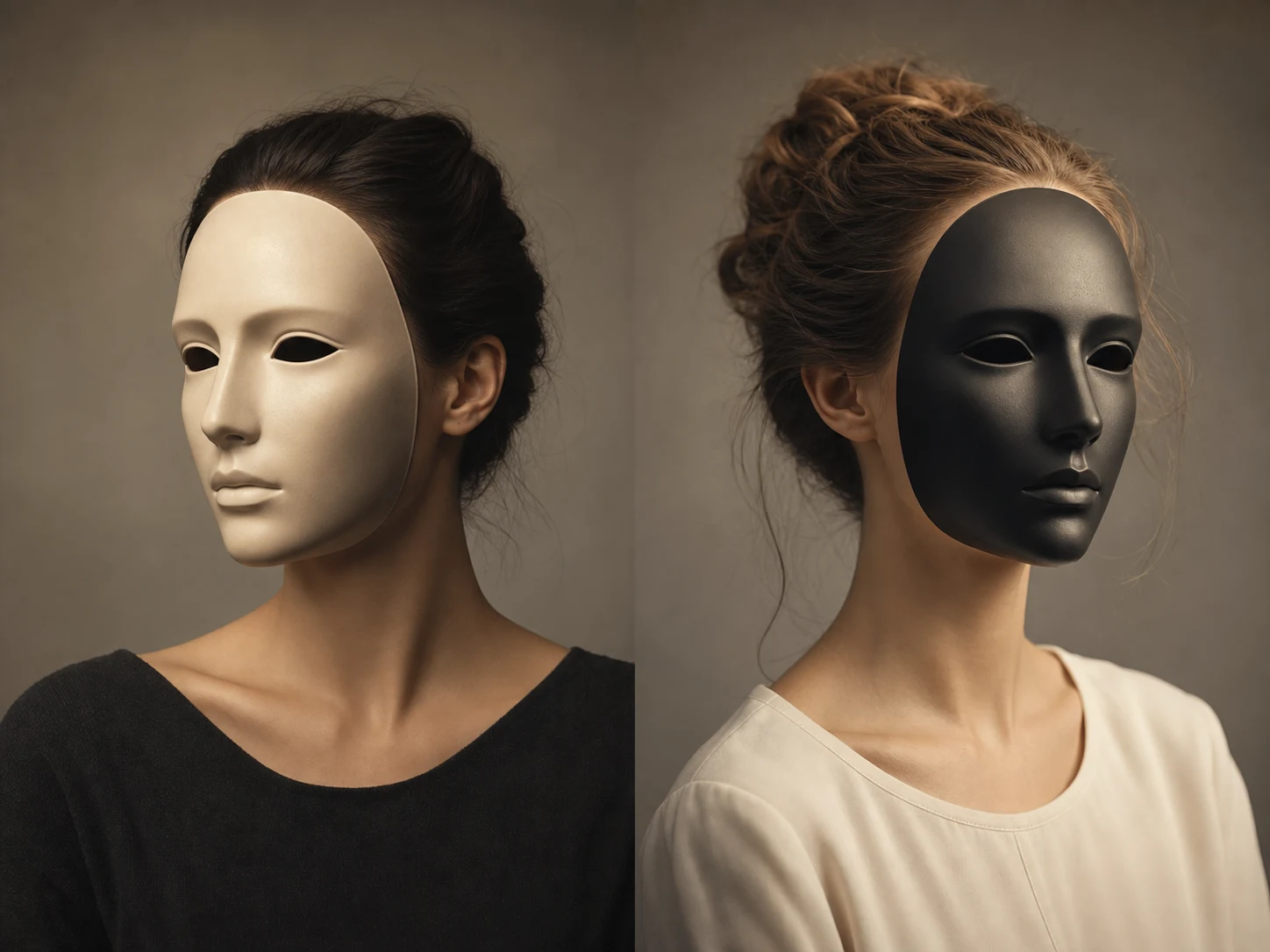
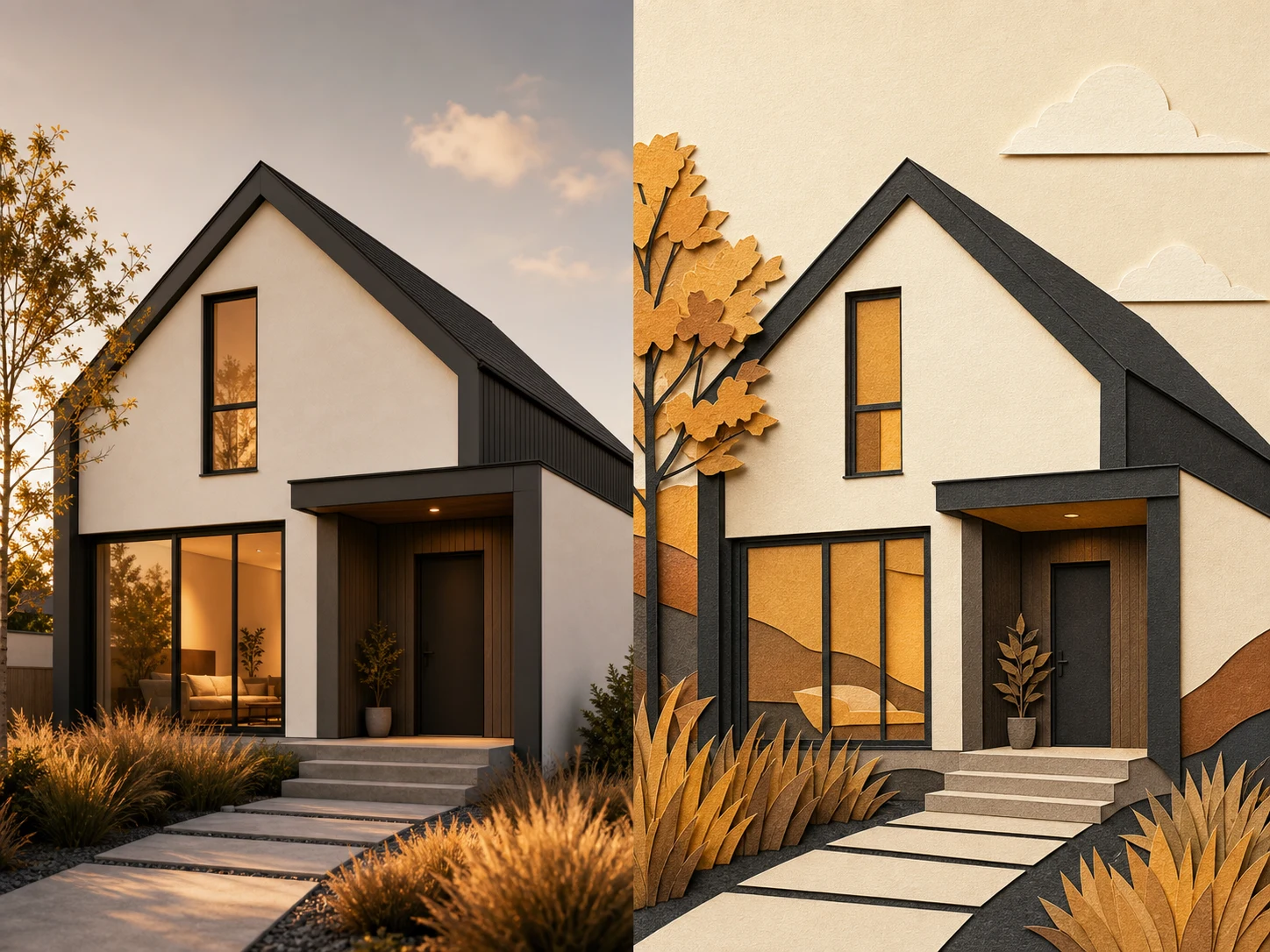
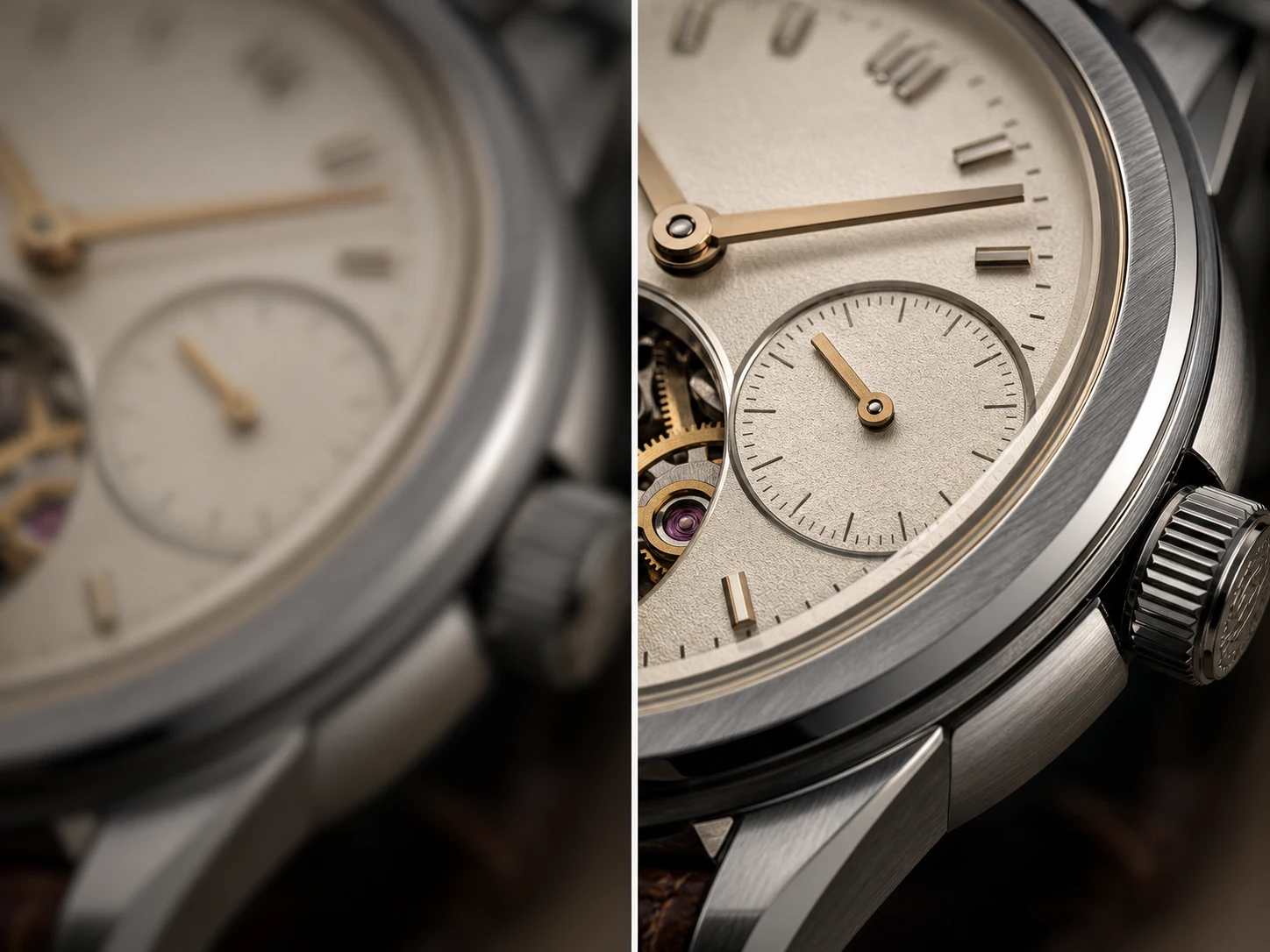
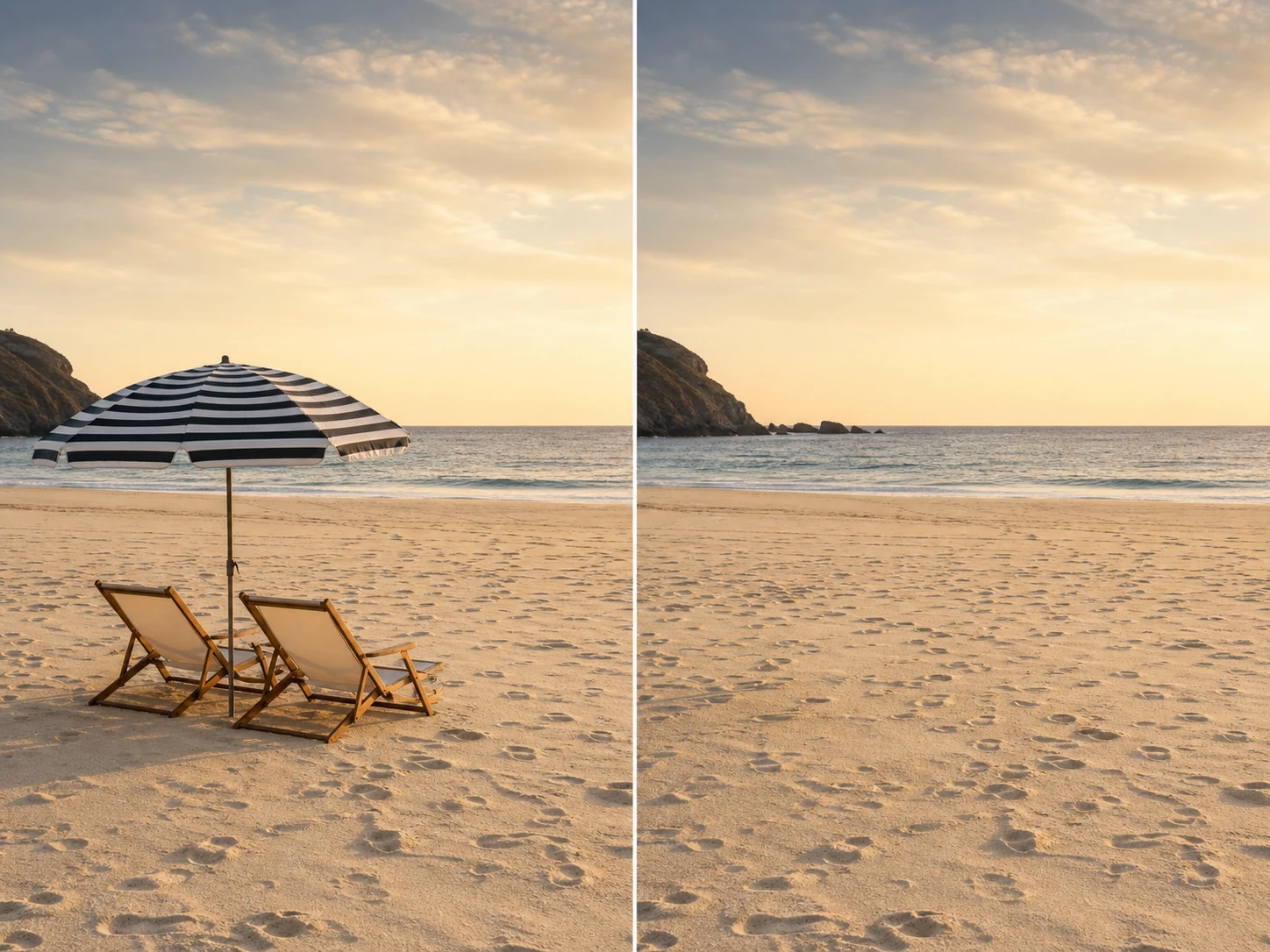
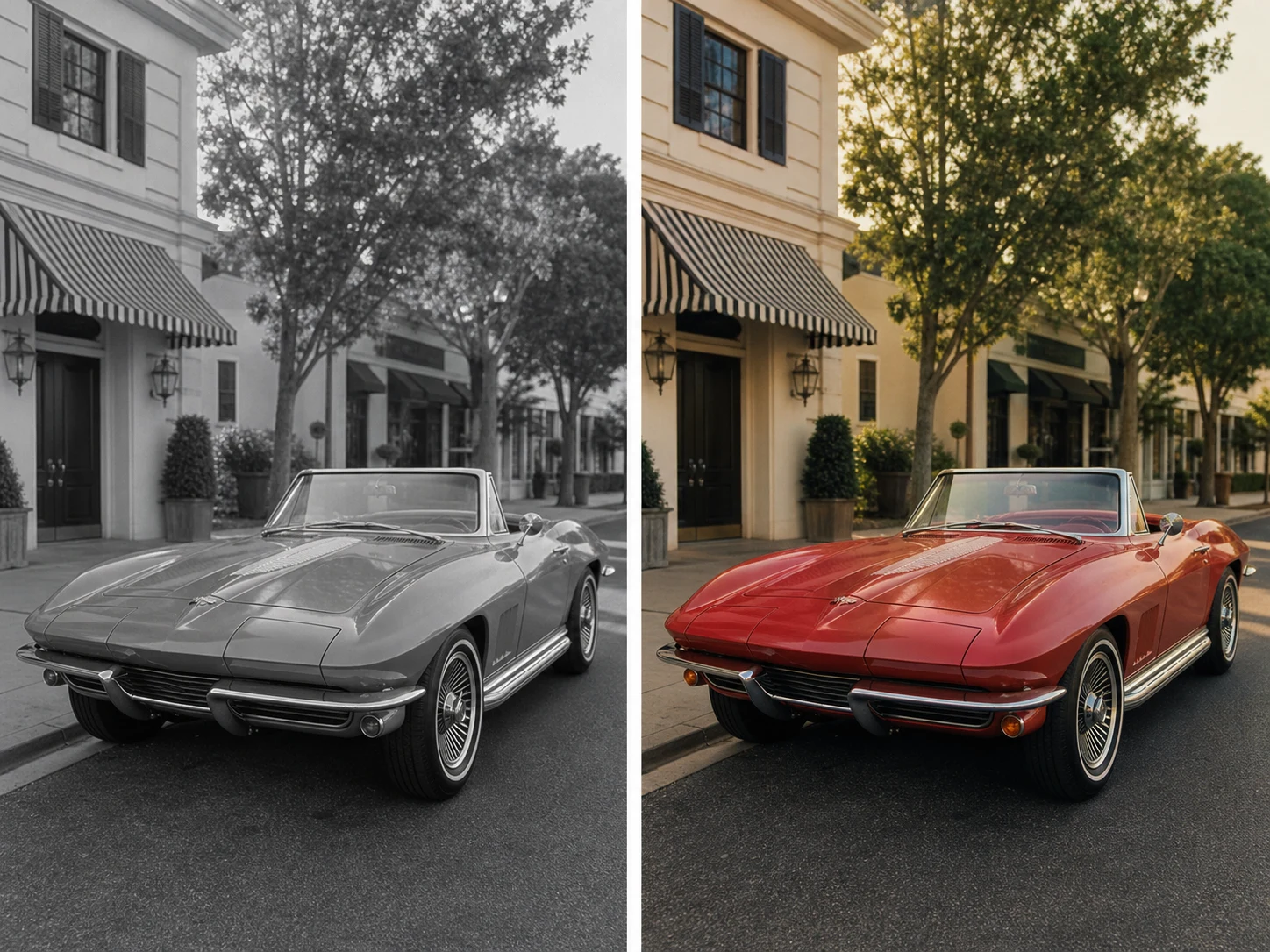
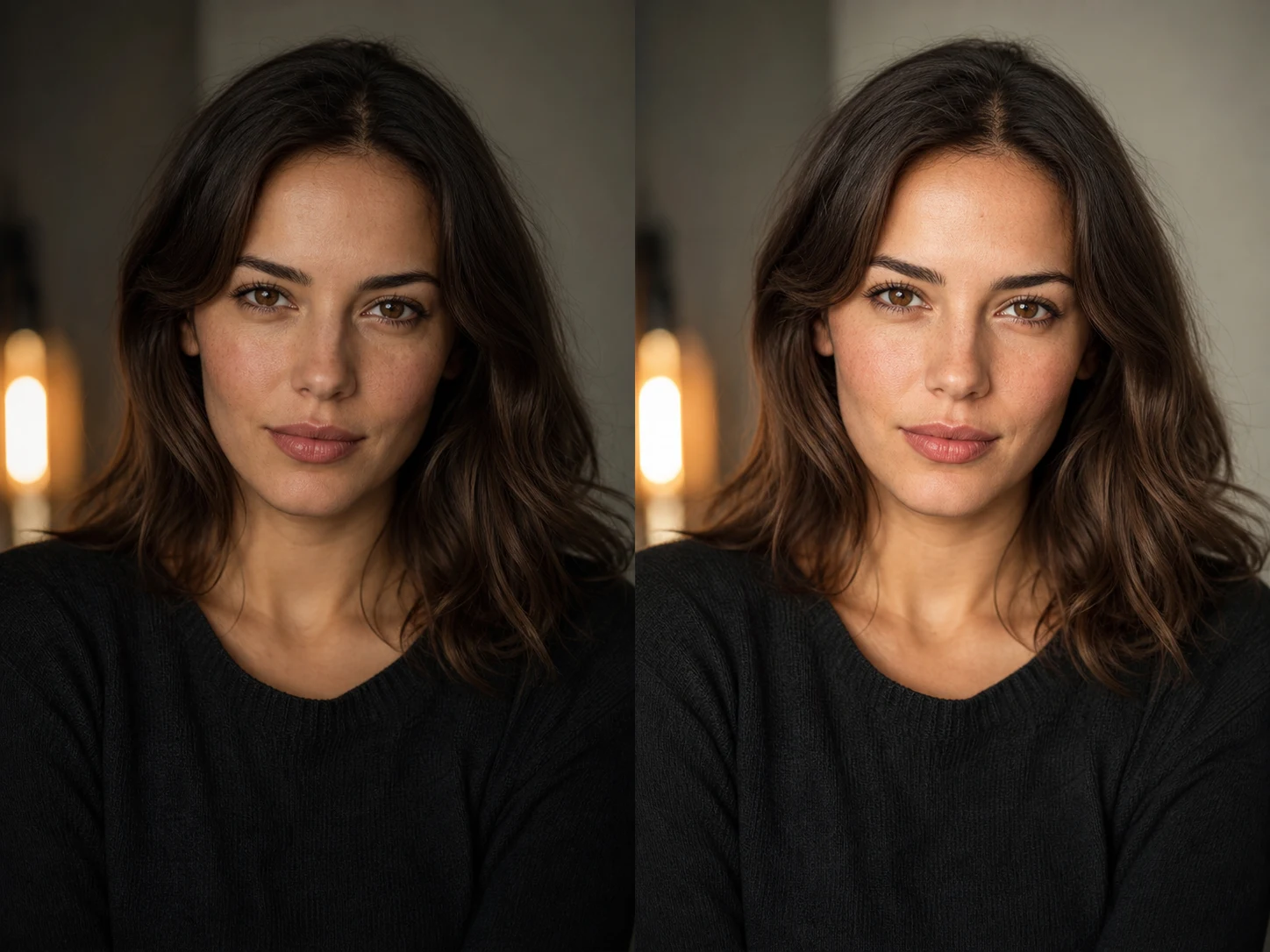
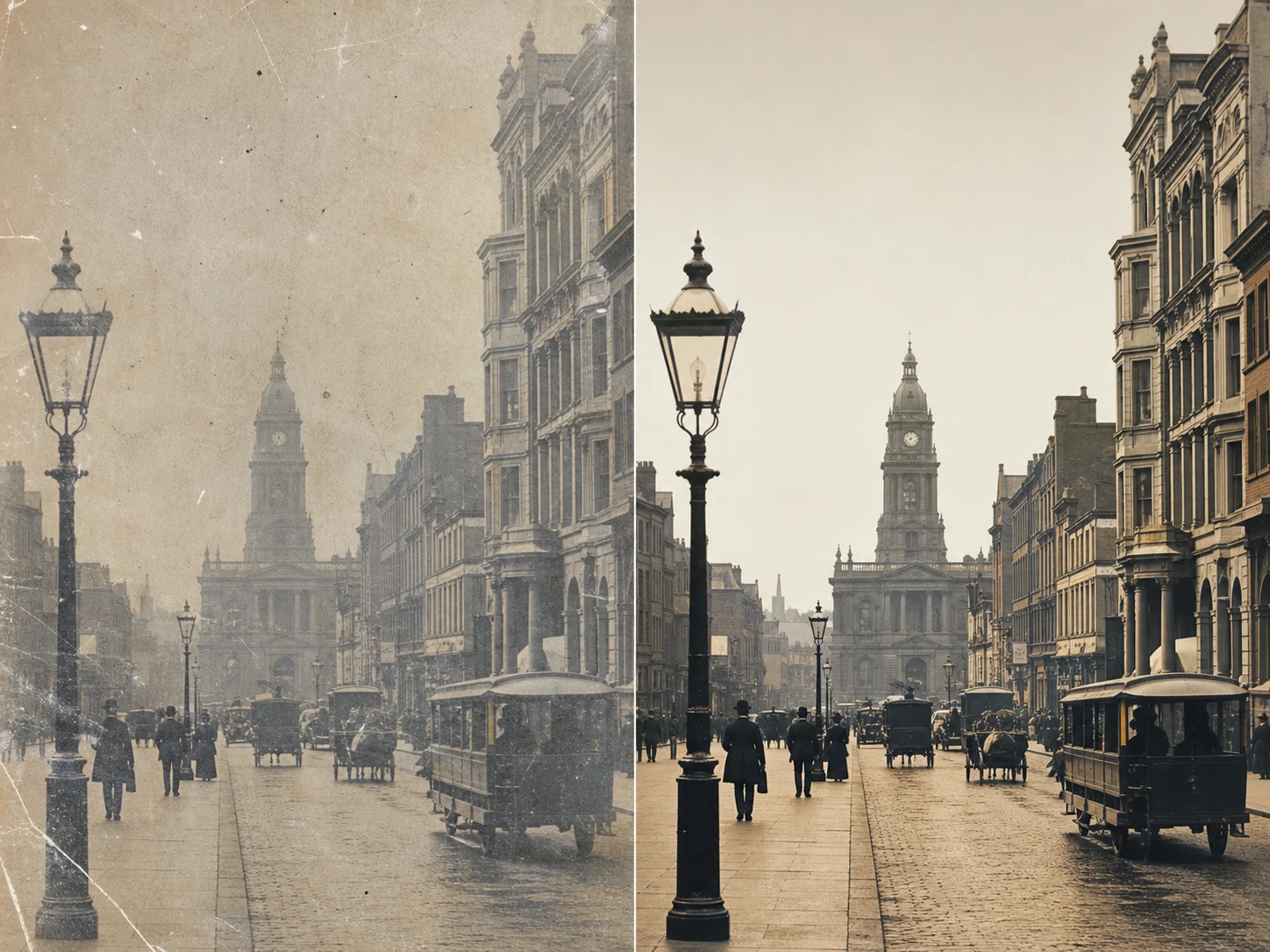
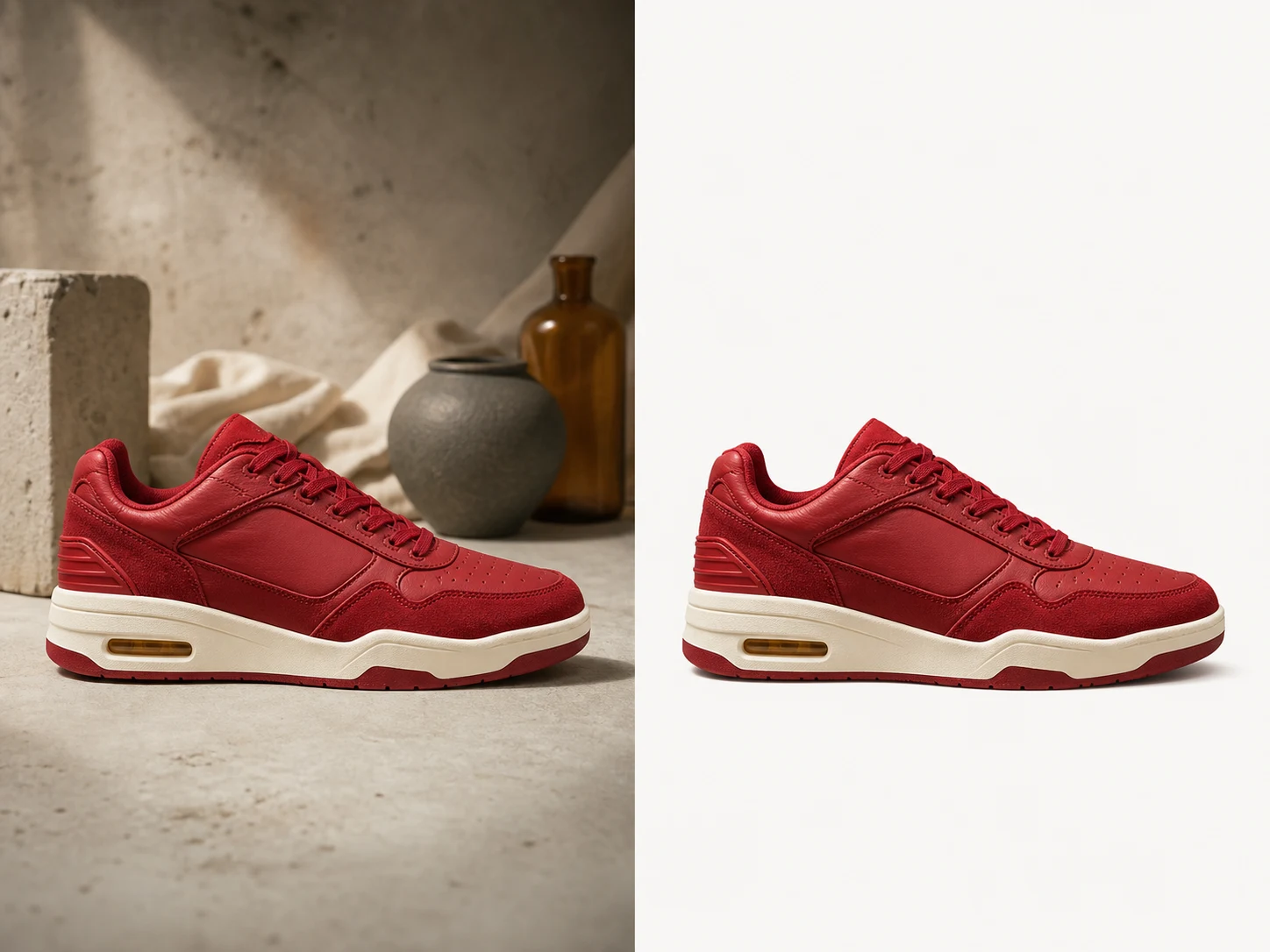
Eight focused photo workflows

Organize common cleanup, enhancement, restoration, and creative directions in one selector.

Clear capability map

Each option names one image outcome instead of mixing video or audio tools into the page.

Honest interaction

Selecting an effect changes the active state without simulating unavailable processing.

Responsive grid

The eight choices form a four-column desktop grid and collapse cleanly on smaller screens.

Workflow

Choose the right photo workflow

Use the selector to identify the transformation before preparing an image brief.
  1. 01

    Identify the problem

    Decide whether the image needs cleanup, repair, enhancement, or a creative transformation.
  2. 02

    Select one effect

    Activate the workflow that best matches the intended output.
  3. 03

    Prepare the source

    Use a clear, rights-safe image when the corresponding processor becomes available.

Inside the workspace

A straightforward image tool directory

The page mirrors the reference selector while keeping unsupported upload and processing claims out of the product.

FAQ

Photo effects questions

What the selector does today and what it does not claim.

Build your next image in one focused workspace

Start with the workflow that matches your source material, then review every completed image in My Creations.